Etsy
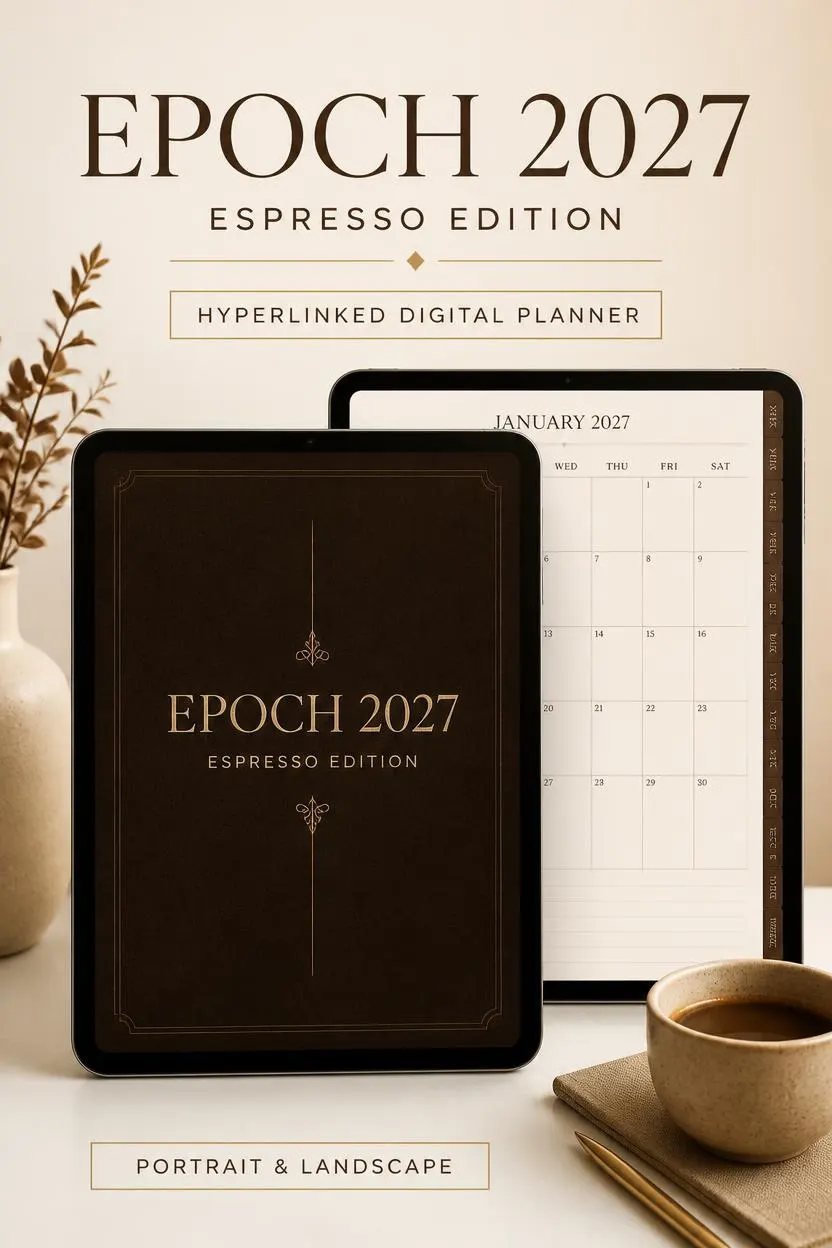
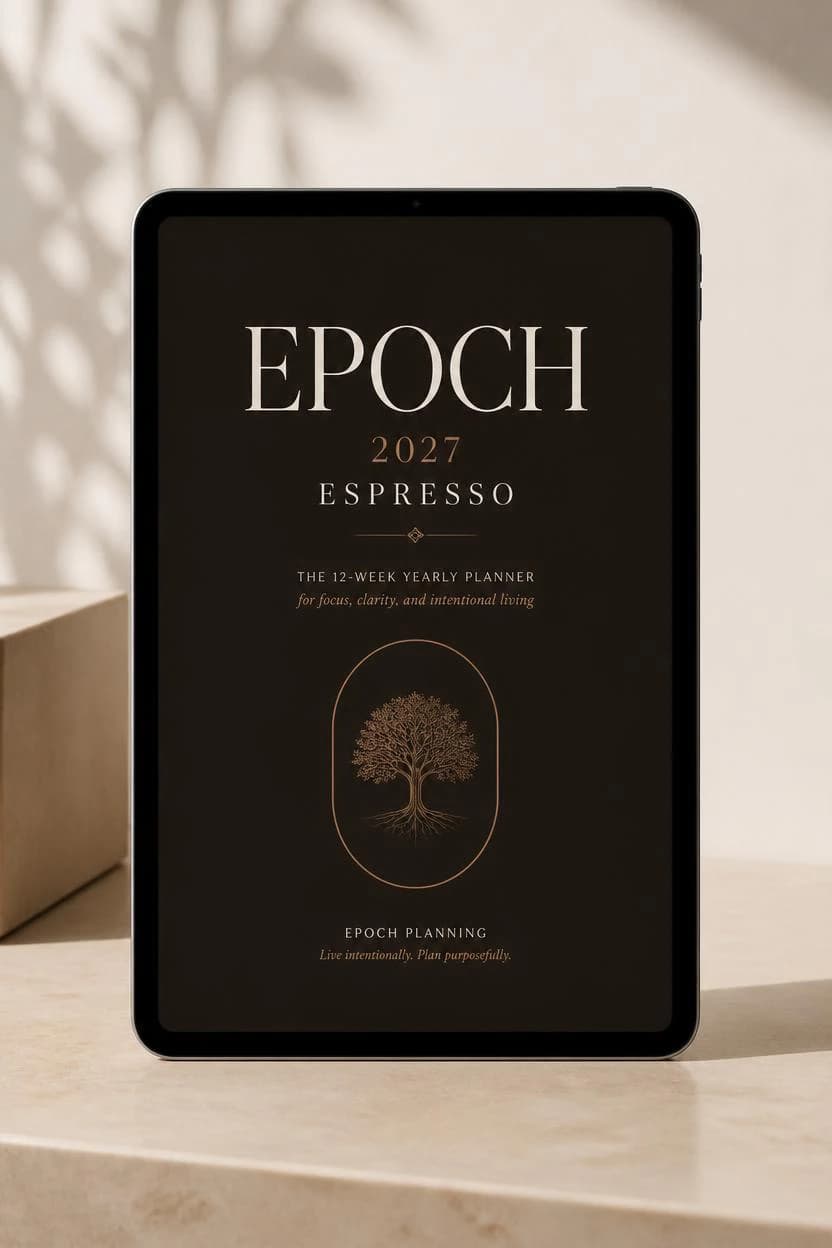
2027 Espresso Digital Planner, Hyperlinked PDF for iPad & Android
$5.99
In stock
Description
# ☕ Epoch 2027 Digital Planner — Espresso Edition
Organize your year with the **2027 Espresso Digital Planner**, an extensive hyperlinked PDF planning system designed for digital planning on compatible tablets and PDF annotation apps.
Featuring a refined espresso-brown aesthetic, yearly, monthly, weekly, and daily planning pages, finance trackers, journals, and an extensive notebook collection, this digital planner brings your planning tools together in one organized space.
Choose the portrait or landscape layout and the left-hand or right-hand navigation version that best suits your workflow.
## 🤎 WHAT'S INCLUDED
This listing is for the **Epoch 2027 Espresso Edition**.
According to the planned product package, it includes four PDF layout versions:
- Portrait — Left-hand navigation
- Portrait — Right-hand navigation
- Landscape — Left-hand navigation
- Landscape — Right-hand navigation
**Main planner:** Advertised as 2,101 pages per PDF.
**2026 Edition:** The listing title mentions the 2026 edition. Please confirm whether the complete 2026 planner files are included in this purchase before checkout.
## 🗓️ PLANNER SECTIONS
### Yearly Planning
- 12-month overview
- Important dates
- Space for monthly notes
### Monthly Planning
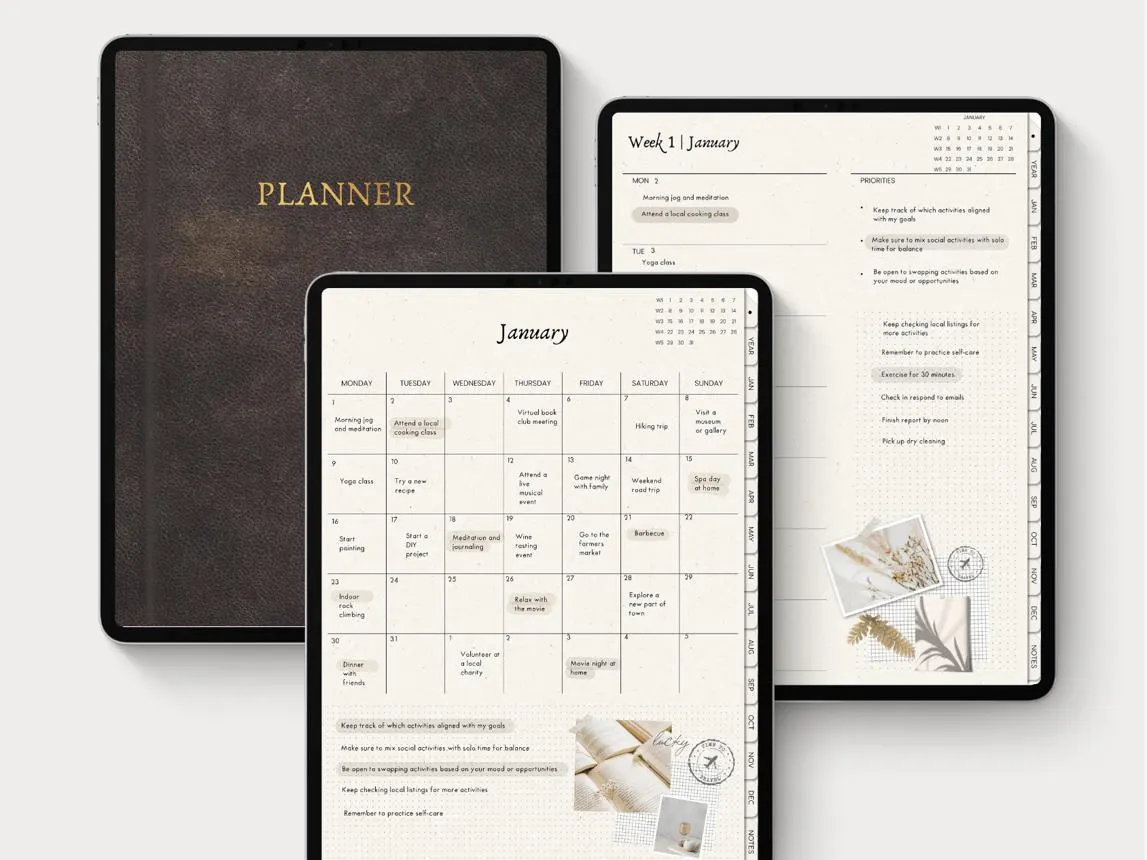
- Full monthly calendar
- Monthly goals and notes
- Quick navigation to weekly and daily pages
### Weekly Planning
- Week-at-a-glance layout
- Weekly organization
- Quick-access navigation strip
### Daily Planning
- Hourly schedule from 00:00 to 23:00
- Daily task list
- Habit tracker
- Notes section
- Quick-access calendar navigation
- Google Calendar event shortcuts, where supported
### Monthly Planning Tools
- Habit trackers and monthly reflections
- Health, career, and personal finance goals
- Reading lists and favorite quotes
- Income, expenses, subscriptions, and savings
- Lined notes pages
### Extensive Digital Notebooks
The advertised notebook collection includes eight writing and organization styles:
1. Lined
2. Grid
3. Dot Grid
4. Blank
5. Millimeter
6. Isometric
7. Staff Paper
8. Ledger
These pages support different planning, writing, sketching, music notation, and record-keeping needs.
### Lifestyle and Wellness
- World travel map
- Trip planning table
- Destination inspiration cards
- Gym and workout trackers
- Monthly moodboards
- Daily journaling pages
## ✨ KEY FEATURES
**Hyperlinked navigation**
Use clickable internal links to move between supported planner sections, dates, and calendar views.
**Four layout options**
Choose portrait or landscape and left-hand or right-hand navigation.
**Espresso aesthetic**
Enjoy a refined, minimalist brown color palette designed for a consistent digital planning experience.
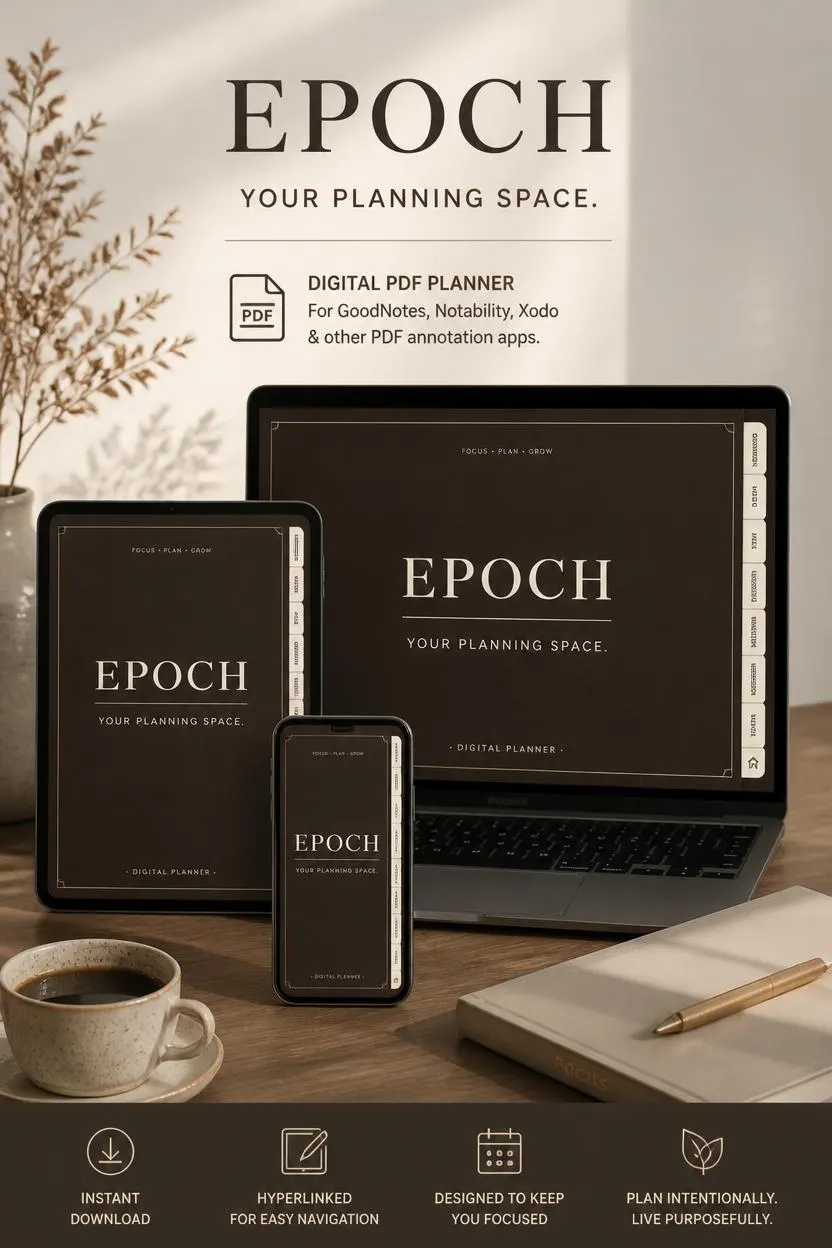
**Digital PDF format**
Use the planner in a compatible PDF annotation app on a supported tablet or other device.
**Calendar shortcuts**
Daily pages include Google Calendar shortcuts intended to make event creation more convenient. These require a compatible device, browser, and Google Calendar setup.
## 📱 COMPATIBILITY
Designed for digital planning on compatible devices, including iPad and Android tablets.
Compatible PDF annotation apps may include:
- Goodnotes
- Notability
- Noteshelf
- Other apps that support interactive PDF hyperlinks and annotation
Compatibility and hyperlink behavior can vary by app and device.
**Please note:** This is an interactive PDF planner, not a standalone application. It is not a Google Sheets or Excel planner, and it is not designed for Microsoft OneNote.
## 📥 HOW TO ACCESS YOUR PLANNER
1. Complete your purchase on Etsy.
2. Download the provided instruction PDF or access file.
3. Follow the instructions to access the planner files through the supplied Google Drive link, if used for this listing.
4. Download the appropriate PDF version.
5. Import it into a compatible PDF annotation app.
6. Tap the navigation links to explore your planner.
Please save the access instructions for future reference.
## ⚠️ IMPORTANT INFORMATION
- This is a digital product. No physical item will be shipped.
- The advertised planner contains 2,101 pages per PDF; verify the exported files before publishing this claim.
- Confirm that all four versions are included in the actual delivery package.
- Confirm whether the 2026 edition is included or is available separately.
- Please check your preferred app's compatibility before purchasing.
- Digital planning features may work differently across apps.
- Printing is possible where supported, but the planner is designed primarily for digital use.
- Save your original downloaded files for personal access.
## 🔒 PERSONAL USE & COPYRIGHT
Your purchase is intended for personal use. Do not resell, redistribute, share, or publicly upload the original files. Do not claim the original designs or files as your own.
## 💌 NEED HELP?
If you have trouble accessing your download or using the planner, please contact our shop through Etsy Messages. We will do our best to help resolve the issue.
Thank you for supporting our digital design shop. We hope the Epoch Espresso Planner helps you make 2027 more organized, intentional, and productive! ☕🤎