Etsy
Book Tracker Printable, Books I’ve Read This Year, Reading Tracker Bundle, Planner Insert, GoodNotes Tracker, Letter & A4 sizes
CAD7.52
In stock
Description
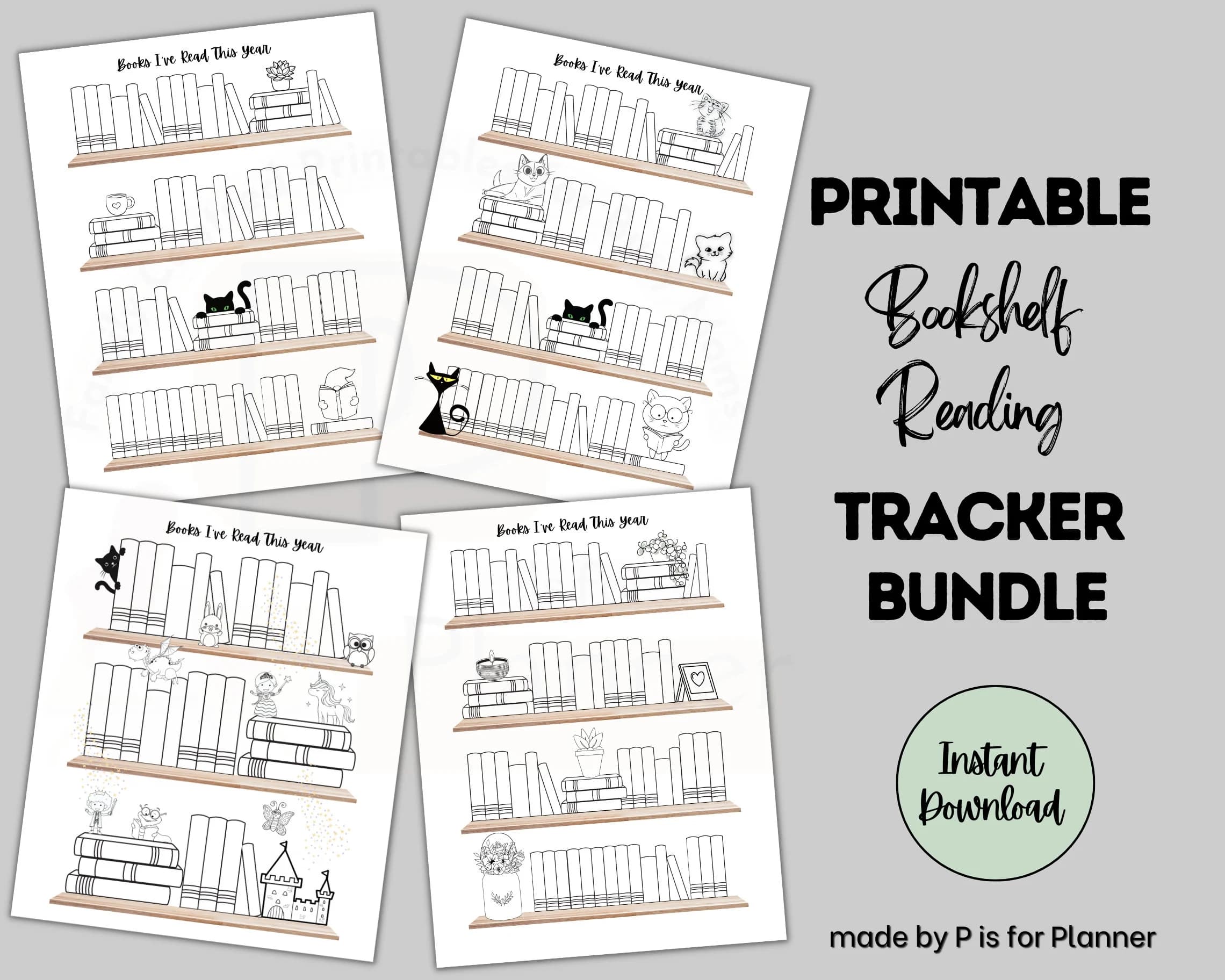
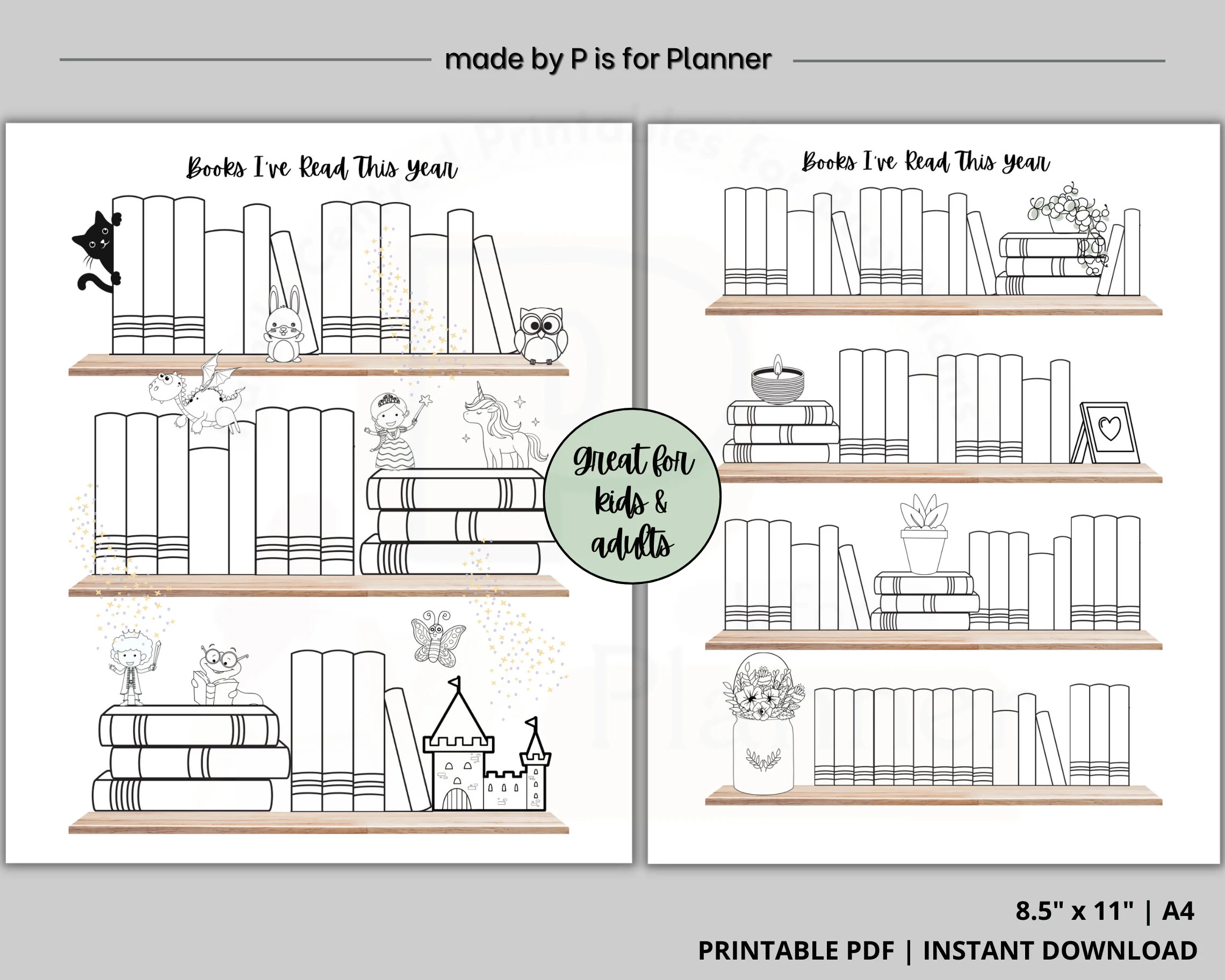
PRINTABLE BOOKSHELF READING TRACKER BUNDLE
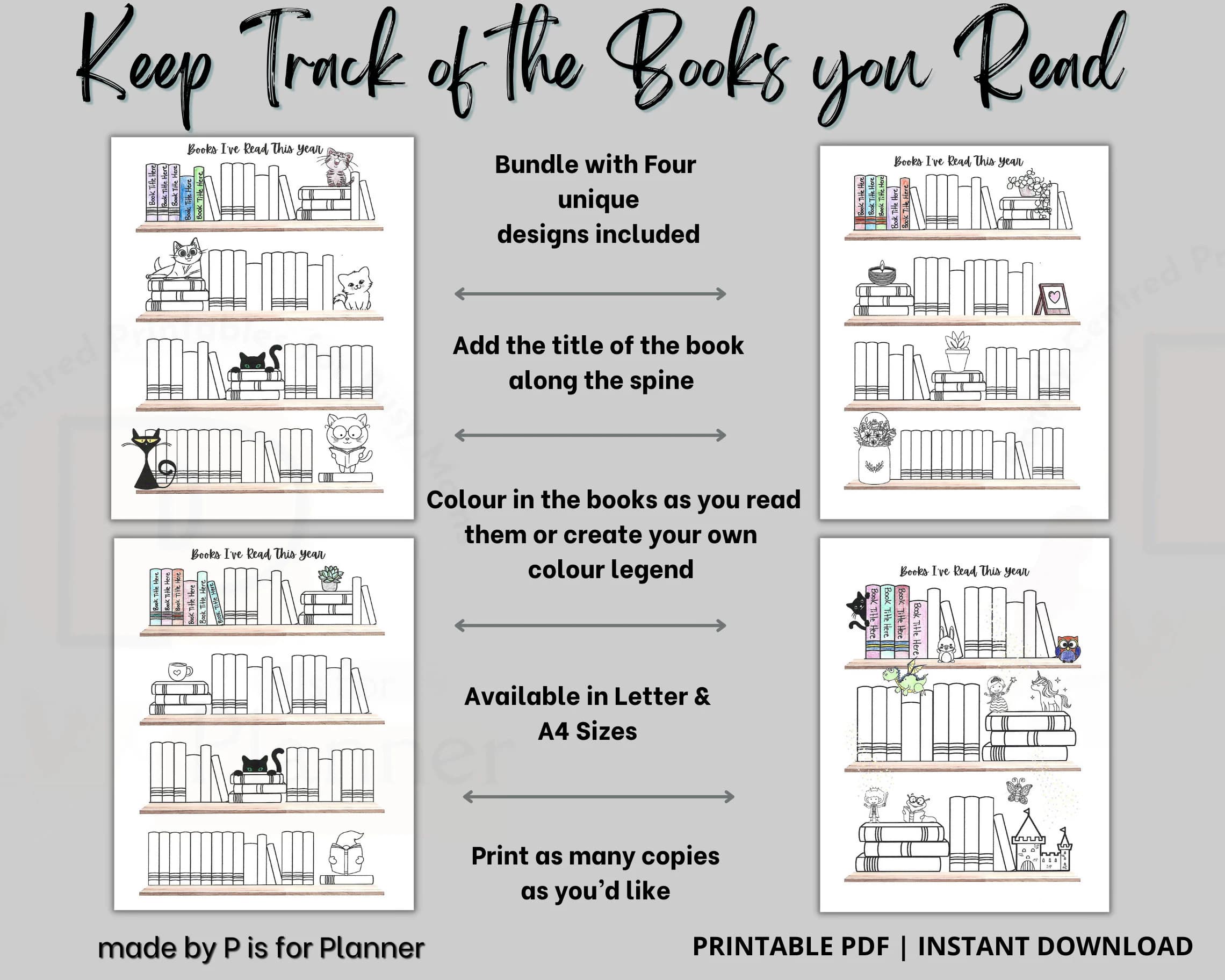
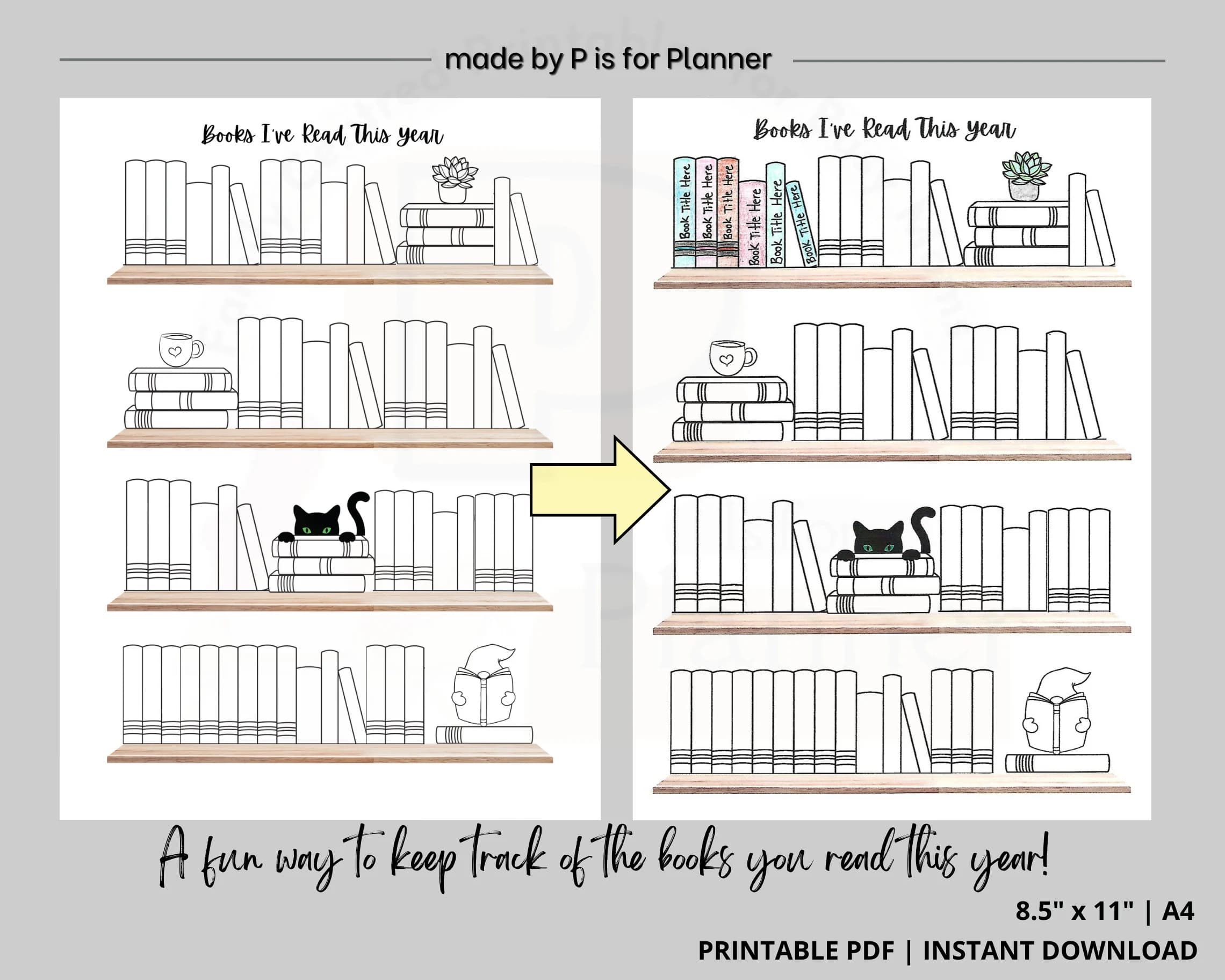
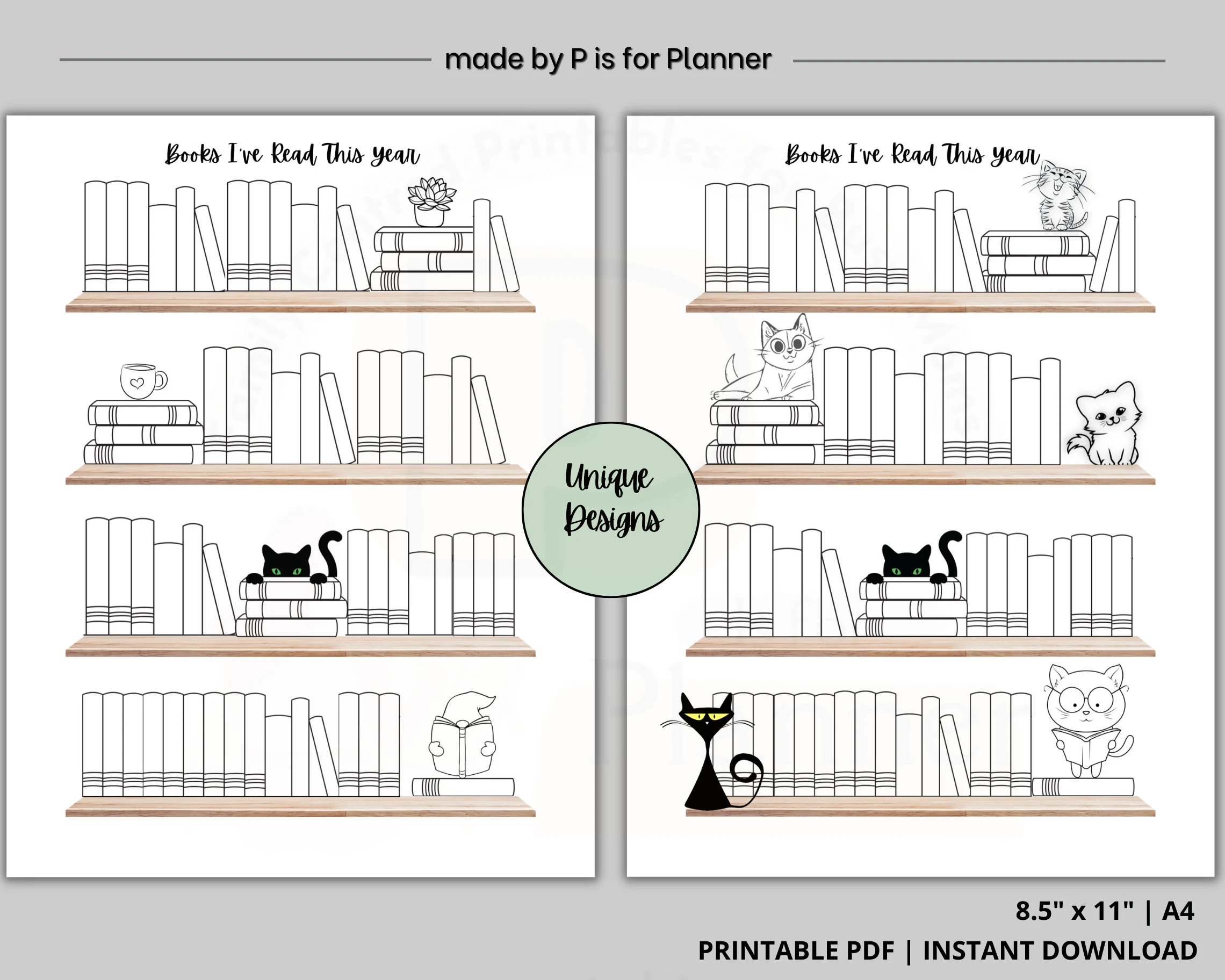
Designed with book lovers in mind this tool is a fun and unique way to keep track of all of the books you have read. Simply add the book title to the spine and watch as your collection grows. You can even personalize further by colouring in the books on the shelf or even colour code by author, genre etc. This bundle includes four templates with cute and unique shelf designs, each design includes up to 65 book slots. Both adults and kids will be motivated to read more with this in hand. A great organizational tool that will help you keep track of what you read and help you reach your reading goals. Can be used as an annual reading tracker, for book clubs, a classroom resource or even to start your own reading challenge. File downloads instantly after purchase and can be printed as many times as you’d like.
These reading trackers pair well with our printable book review post-it notes! Have a look here: https://www.etsy.com/ca/listing/1465527586/book-review-post-it-notes?click_key=0379a51b074875446f8d99ef388827ecd0957d6e%3A1465527586&click_sum=c2c30245&ref=shop_home_active_1
PRODUCT INFORMATION:
- Two Formats Included Letter & A4 (international Standard)
- Perfect for personal or classroom use
- Compatible with GoodNotes Digital Planners
- Print as many pages as you need
- Simply print from your home printer or send to a local printing shop.
**INSTANT DIGITAL DOWNLOAD, NO PHYSICAL ITEM WILL BE SHIPPED**
HOW TO DOWNLOAD, OPEN & PRINT:
- You can download the digital item once your purchase is confirmed.
- Go to https://www.etsy.com/your/purchases – download the files you just purchased.
- Files are in PDF format. You can use Acrobat Reader to open these files. Download this software for free at https://www.adobe.com
- Open the file in Acrobat Reader – Select “ACTUAL SIZE” in your printer settings – Print.
- Colors may vary slightly depending on the computer monitor and printer you decide to use.
HOW TO UPLOAD TO GOODNOTES:
- Open GoodNotes app
- Go to Documents and open the Notebook you wish to use
- Click the add a page icon on the top right of your screen
- Click Import and choose the pdf file you purchased
- Start using your digital template
NOTE:
This item is for personal use only and cannot be resold, redistributed, or used for any commercial purposes.
Thank you so much for visiting my shop! Feel free to browse my other listings and don’t hesitate to contact me if you have any questions or run into any issues.