Home/Books & Education/Qurans/Juz Amma Progress Tracker: Islamic Printable for Kids (Digital Download), Quran Learning


Etsy
Juz Amma Progress Tracker: Islamic Printable for Kids (Digital Download), Quran Learning
CAD3.49
In stock
Description
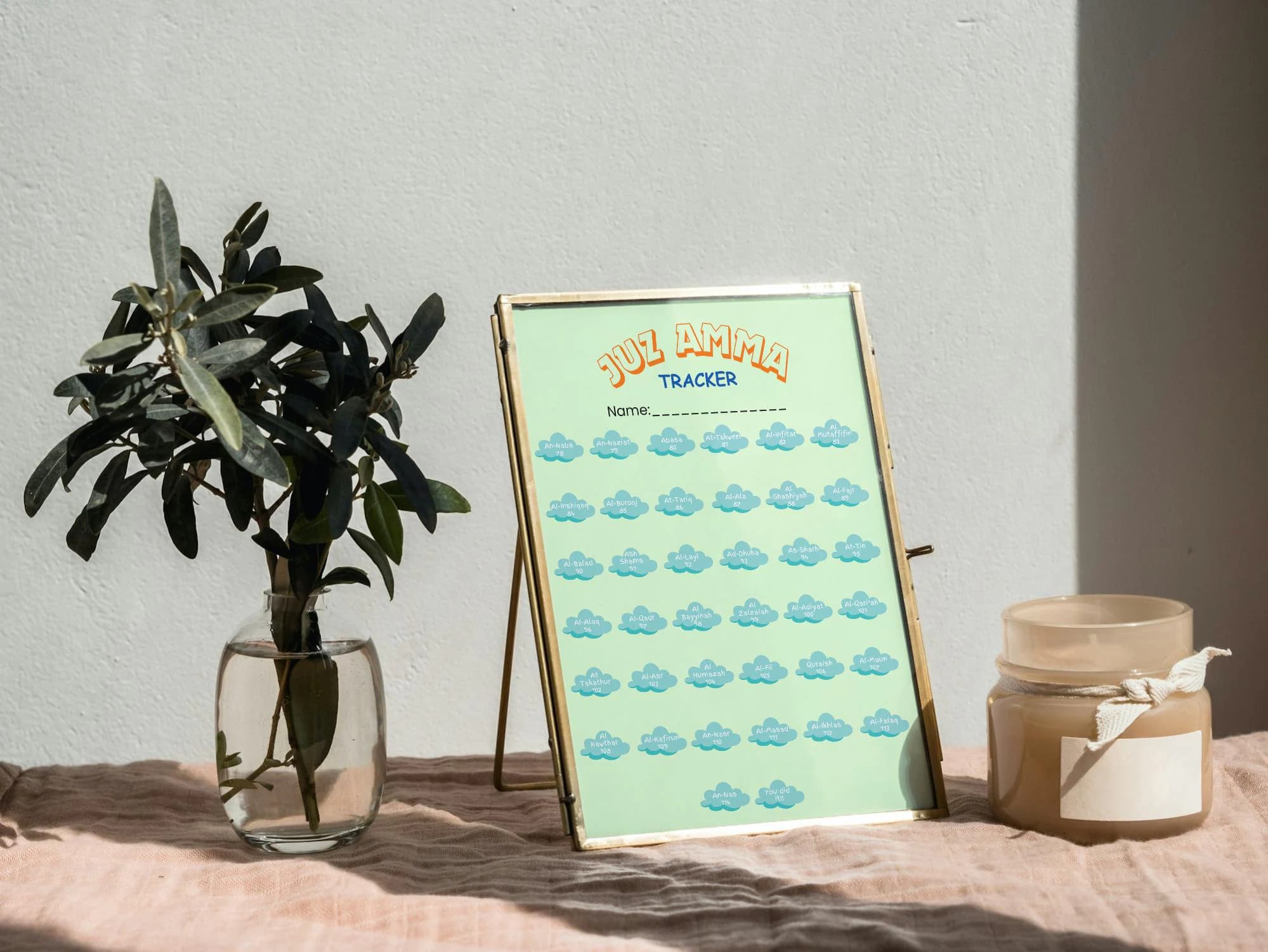
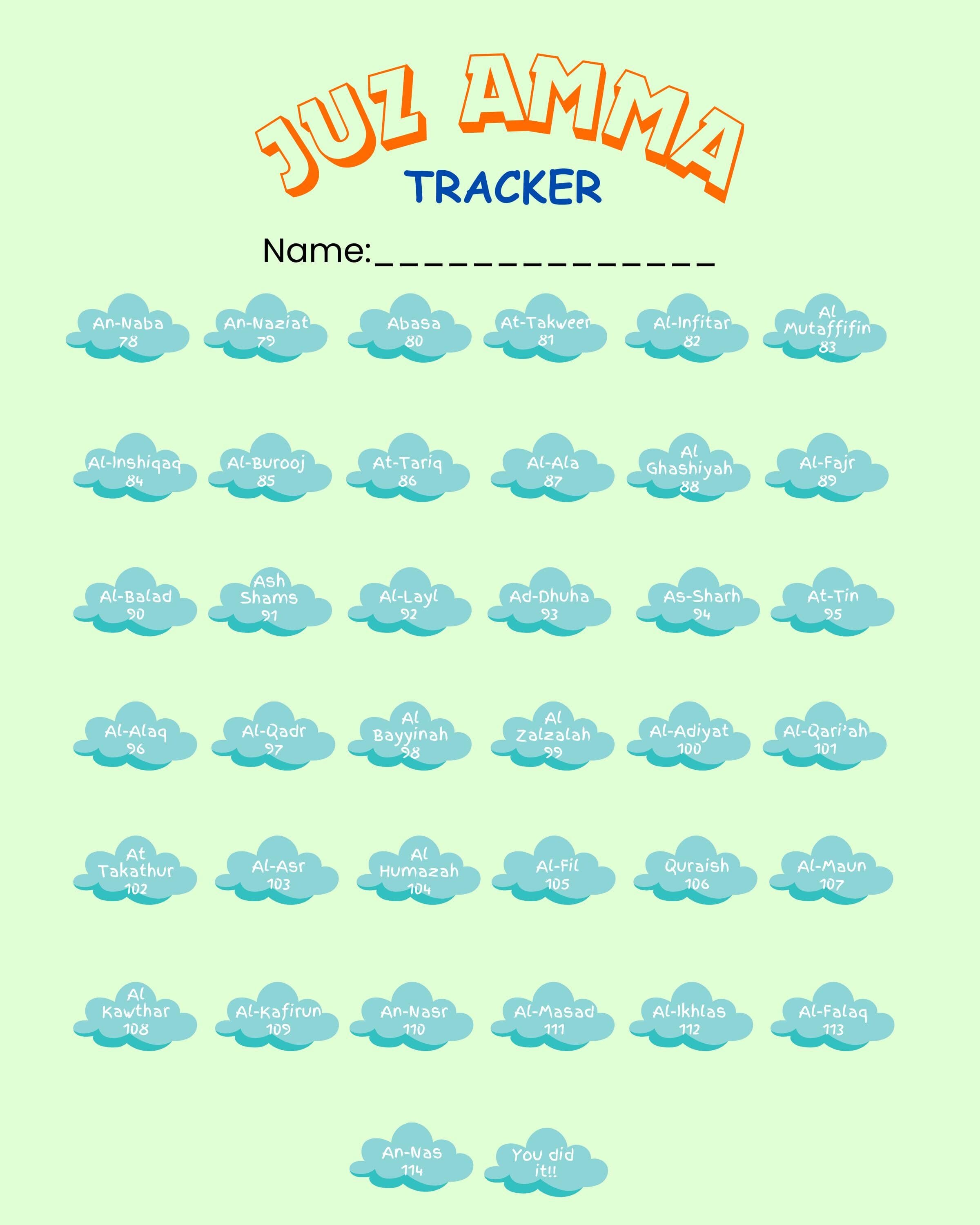
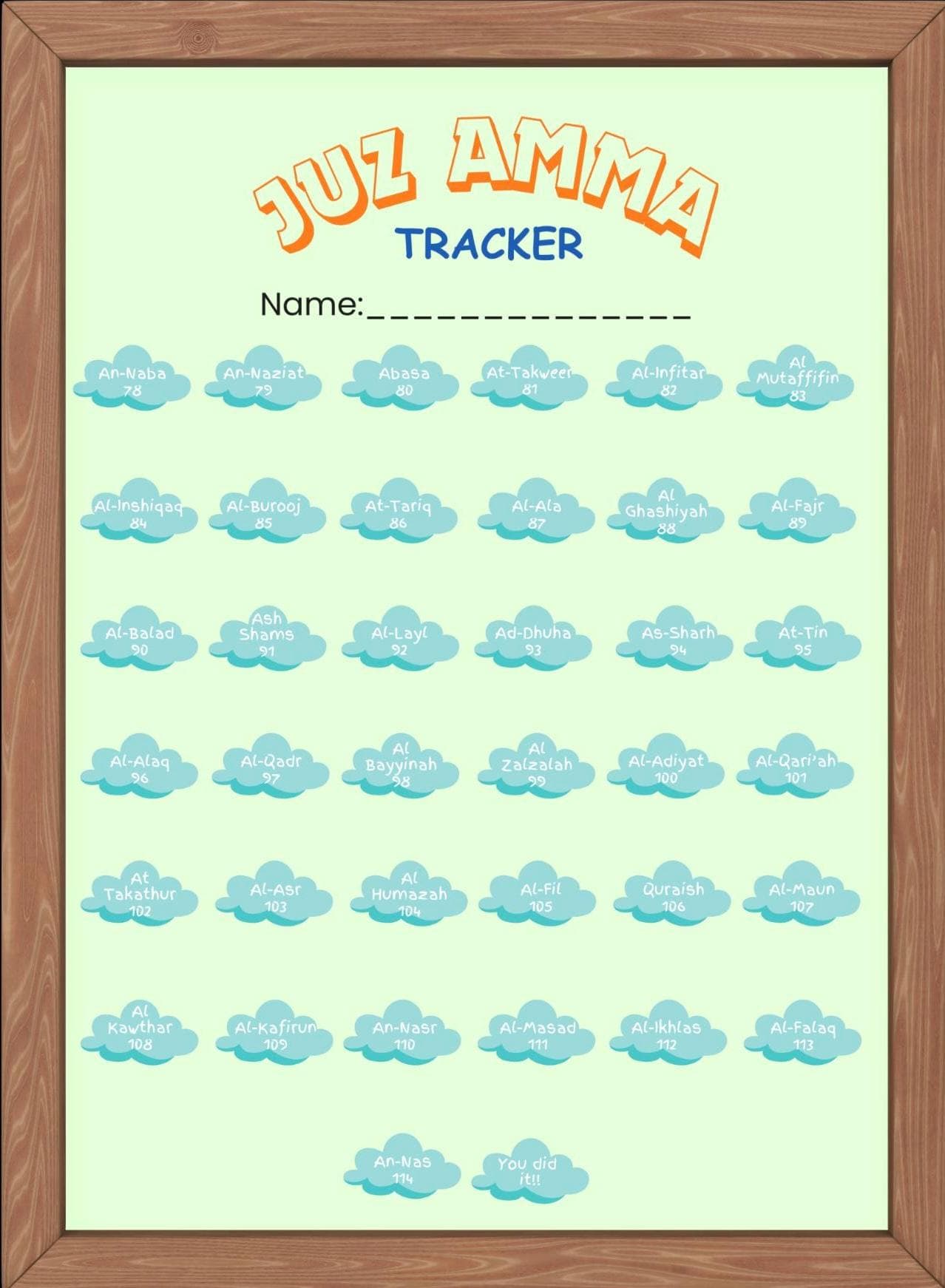
Help your child build a lifelong love for the Quran with this fun and interactive Juz Amma Progress Tracker! Specially designed for kids, this digital download makes memorization and review of the 30th Juz exciting, visual, and goal-oriented.
✅ WHAT’S INCLUDED:
1x Juz Amma Progress Tracker digital file
Covers all 37 Surahs in Juz Amma
Colorful, kid-friendly design
Print at home or use digitally (on tablet/iPad)
🌟 FEATURES:
Fun & Visual Layout – Track progress by adding stickers or checking off surahs.
Motivational – Keeps kids excited and focused on their Quran journey.
Perfect for Home or Madrasa – Great for parents, teachers, and homeschoolers.
Reusable – Laminate for dry-erase use or print multiple copies!
🖨️ DIGITAL DOWNLOAD:
This is an instant download. No physical product will be shipped.
Files will be available to download after payment.
📏 SIZE:
A4 (8x10 inches)
💡 TIP:
Laminate your tracker and use dry-erase markers to make it reusable!
🖨️ Printing Tip – Please Read!
All printers are slightly different, and some may automatically add a white border around the edges of your print. This is completely normal and depends on your printer’s settings and capabilities.
👉 To print without a white border:
Before printing, make sure to select “Fit to Page” or “Fill Page” in your printer settings. This will help the design extend to the edges and avoid any unwanted white margins.
If your printer doesn’t support borderless printing, a small white edge may still appear that can be left as is or trimmed off to suit your needs!
Thank you for your purchase!⭐️
More in Qurans
View all
The Lost Prince, by E.J. Craine & Lotta Bacskai | Vintage fiction - 1932
$25.00
Set of 3 Islamic Landmarks Wall Art, Kaaba Mecca Dome of the Rock Masjid Nabawi, Printable Ramadan Decor Digital Download
$33.20

Islamic Kids Dua Cards Set of 6 Printable | Bedtime Ayat Al Kursi Wall Art | Muslim Children Dua Digital Download | Nursery Decor
$4.00