Etsy
Muslim Wedding Website Template, Editable Canva Nikkah Invitation with RSVP & Google Maps
$14.00
Out of stock
Description
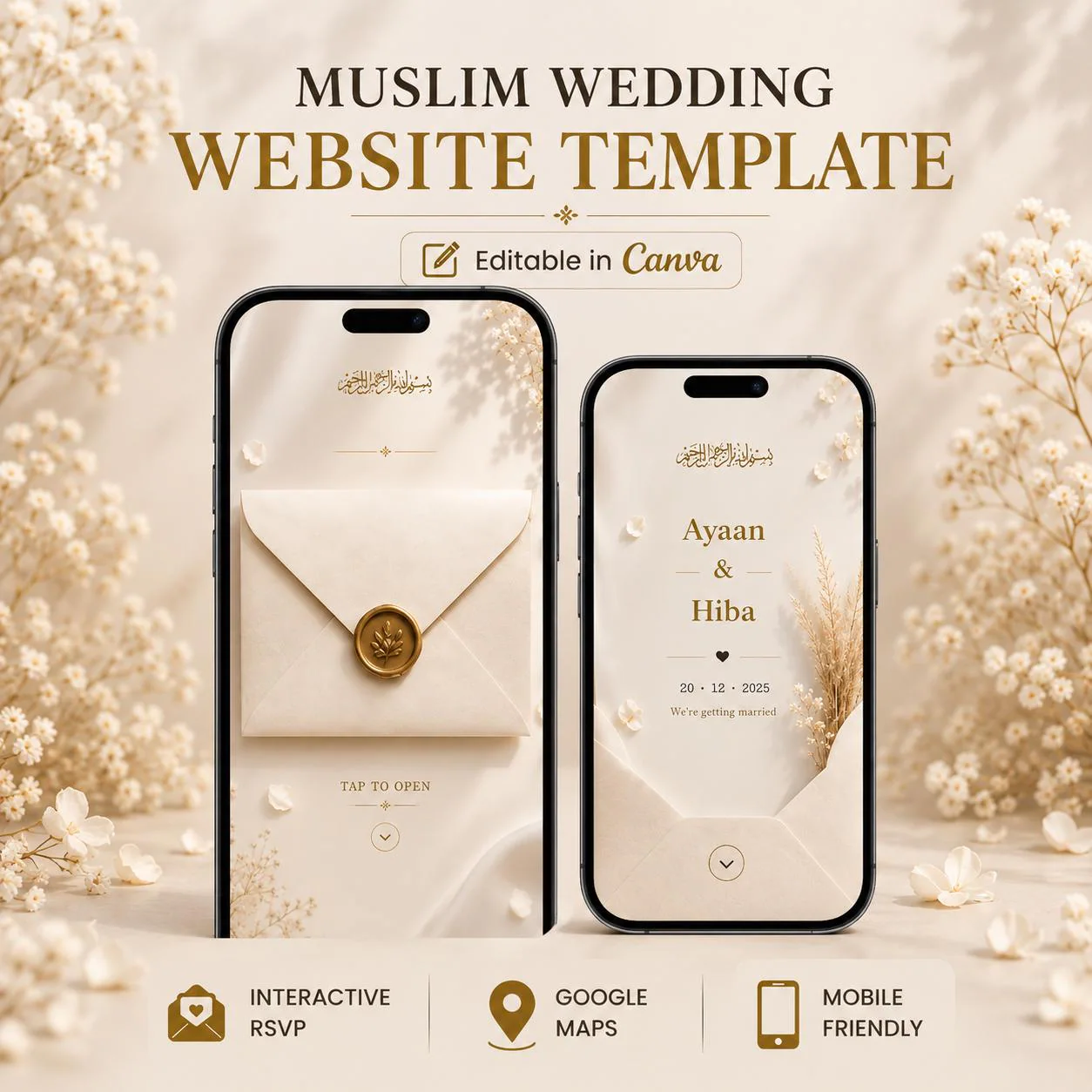
Create a beautiful and interactive Islamic wedding experience with this luxury Muslim wedding website template.
Designed with a modern minimal aesthetic, this editable Canva Nikkah invitation features an elegant envelope opening experience, RSVP integration, venue directions with Google Maps, and a seamless mobile-friendly layout for your guests.
Perfect for Muslim weddings, Nikkah ceremonies, Islamic receptions, and couples looking for a refined digital wedding invitation.
━━━━━━━━━━━━━━━
WHAT’S INCLUDED
━━━━━━━━━━━━━━━
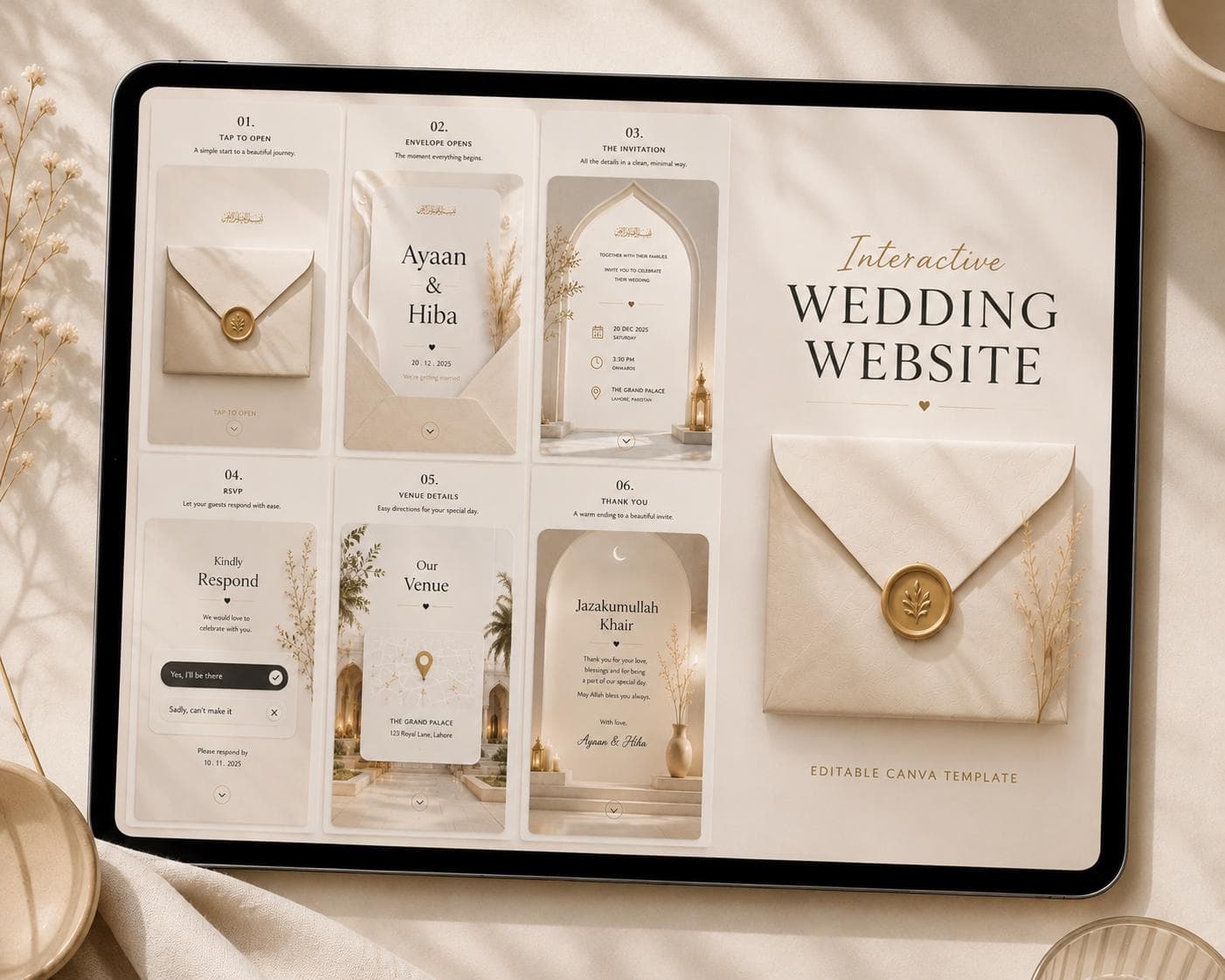
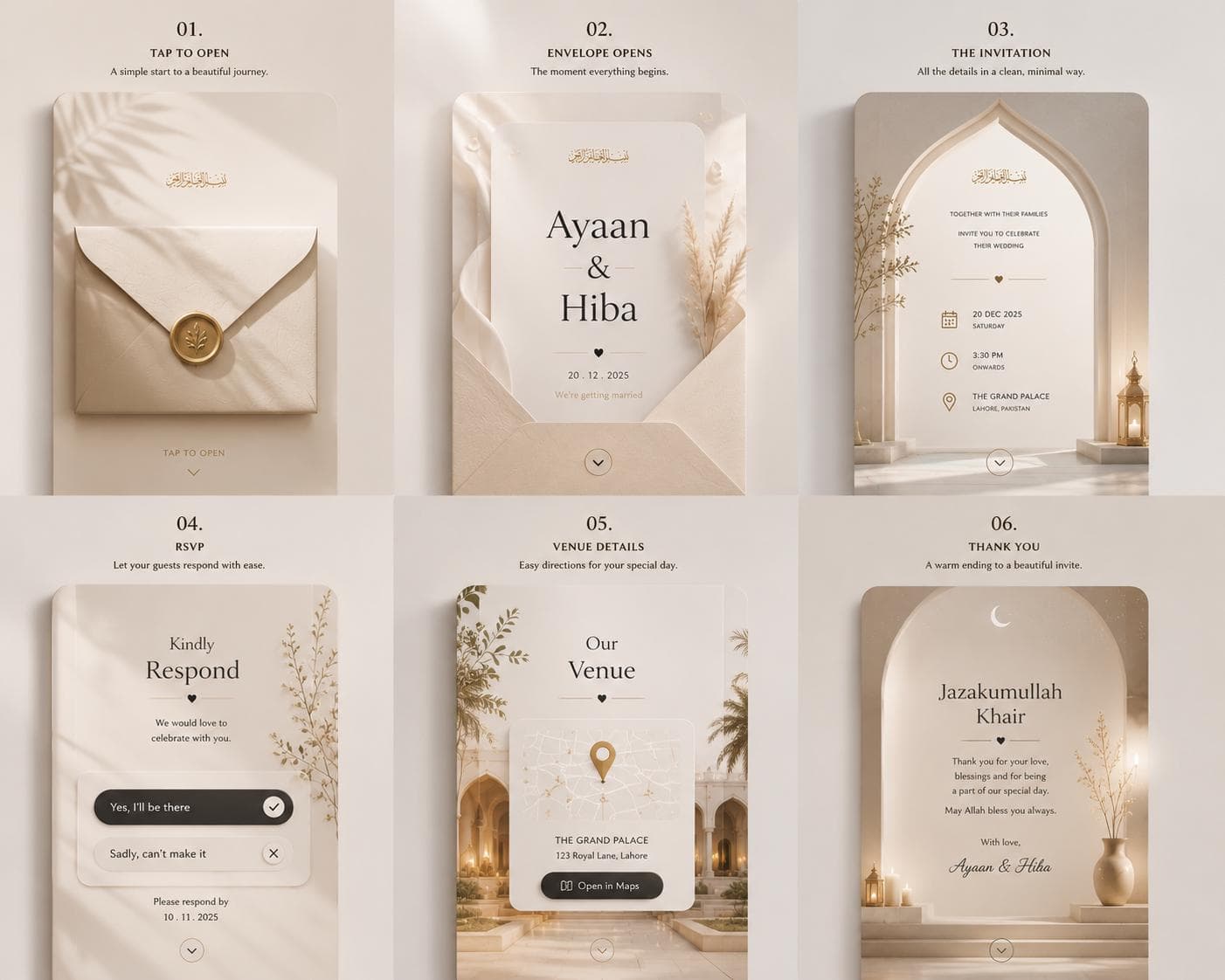
• 6 Beautifully Designed Website Pages
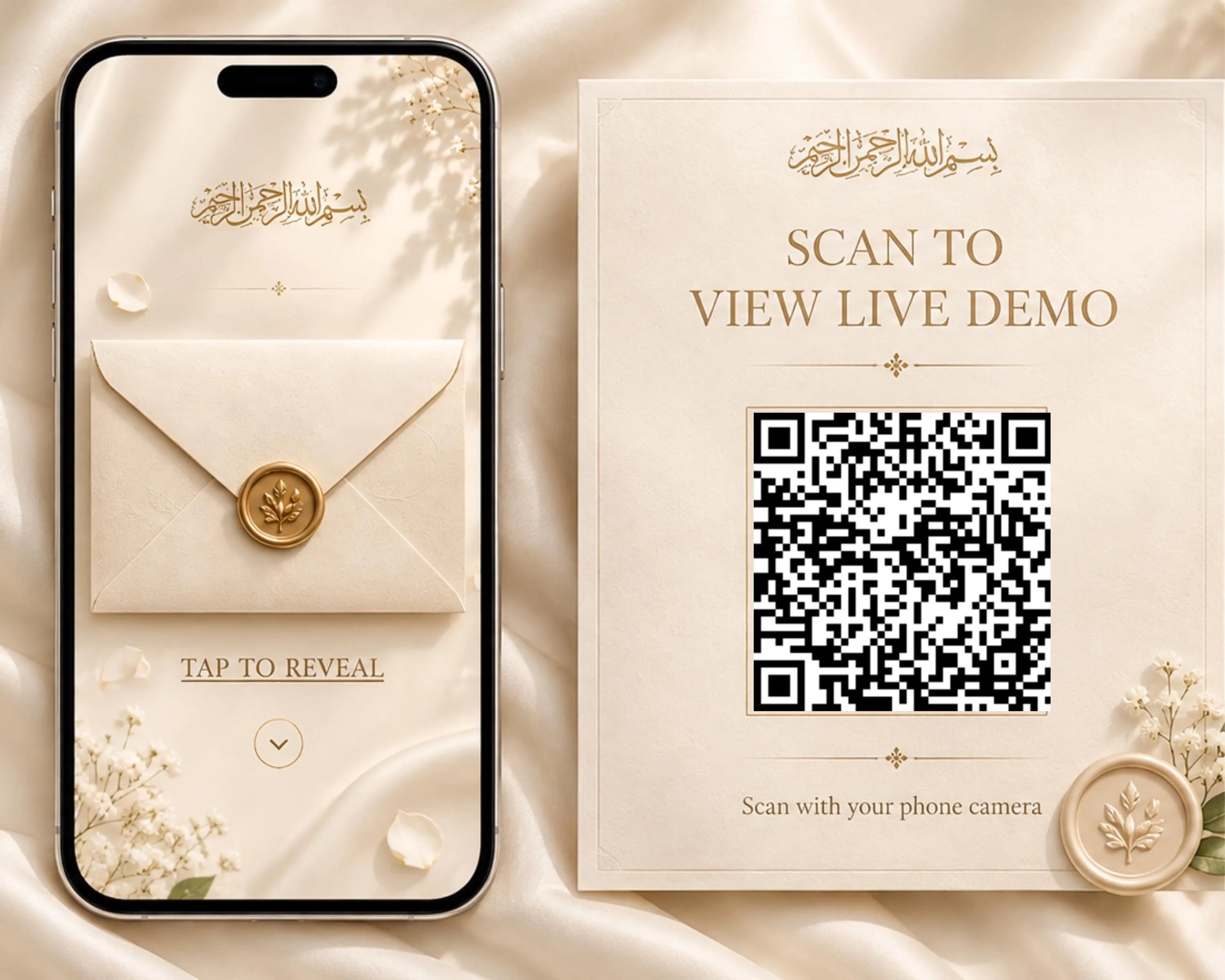
• Interactive Tap To Open Envelope
• Elegant Islamic Invitation Layout
• RSVP Section Included
• Venue & Google Maps Section
• Thank You Ending Page
• Mobile Friendly Design
• Fully Editable Canva Template
• Easy Website Publishing
• PDF Setup Guide Included
━━━━━━━━━━━━━━━
HOW IT WORKS
━━━━━━━━━━━━━━━
1. Edit your template in Canva
2. Add your names, details & links
3. Publish your wedding website
4. Share your website link with guests
━━━━━━━━━━━━━━━
HOW TO ADD RSVP FORM
━━━━━━━━━━━━━━━
• Create a free Google Form
• Copy your RSVP form link
• Paste the link into the RSVP button inside Canva
Guests can easily submit their responses directly from your wedding website.
━━━━━━━━━━━━━━━
HOW TO ADD GOOGLE MAPS
━━━━━━━━━━━━━━━
• Open your venue location in Google Maps
• Click “Share” and copy the location link
• Paste the link into the venue button inside Canva
Guests can instantly open directions from the website.
━━━━━━━━━━━━━━━
YOU CAN EDIT
━━━━━━━━━━━━━━━
• Names
• Wedding Details
• Fonts
• Colors
• Photos
• Music
• RSVP Link
• Venue Information
• Google Maps Link
━━━━━━━━━━━━━━━
PERFECT FOR
━━━━━━━━━━━━━━━
• Muslim Weddings
• Nikkah Invitations
• Islamic Wedding Websites
• Arabic Style Weddings
• Luxury Minimal Weddings
• Modern Digital Invitations
━━━━━━━━━━━━━━━
IMPORTANT
━━━━━━━━━━━━━━━
• This is a DIGITAL PRODUCT only
• No physical item will be shipped
• Canva account required (Free)
• Free Canva account works perfectly
• Due to the digital nature of this item, refunds are not accepted
If you have any questions, feel free to message me anytime.