Etsy
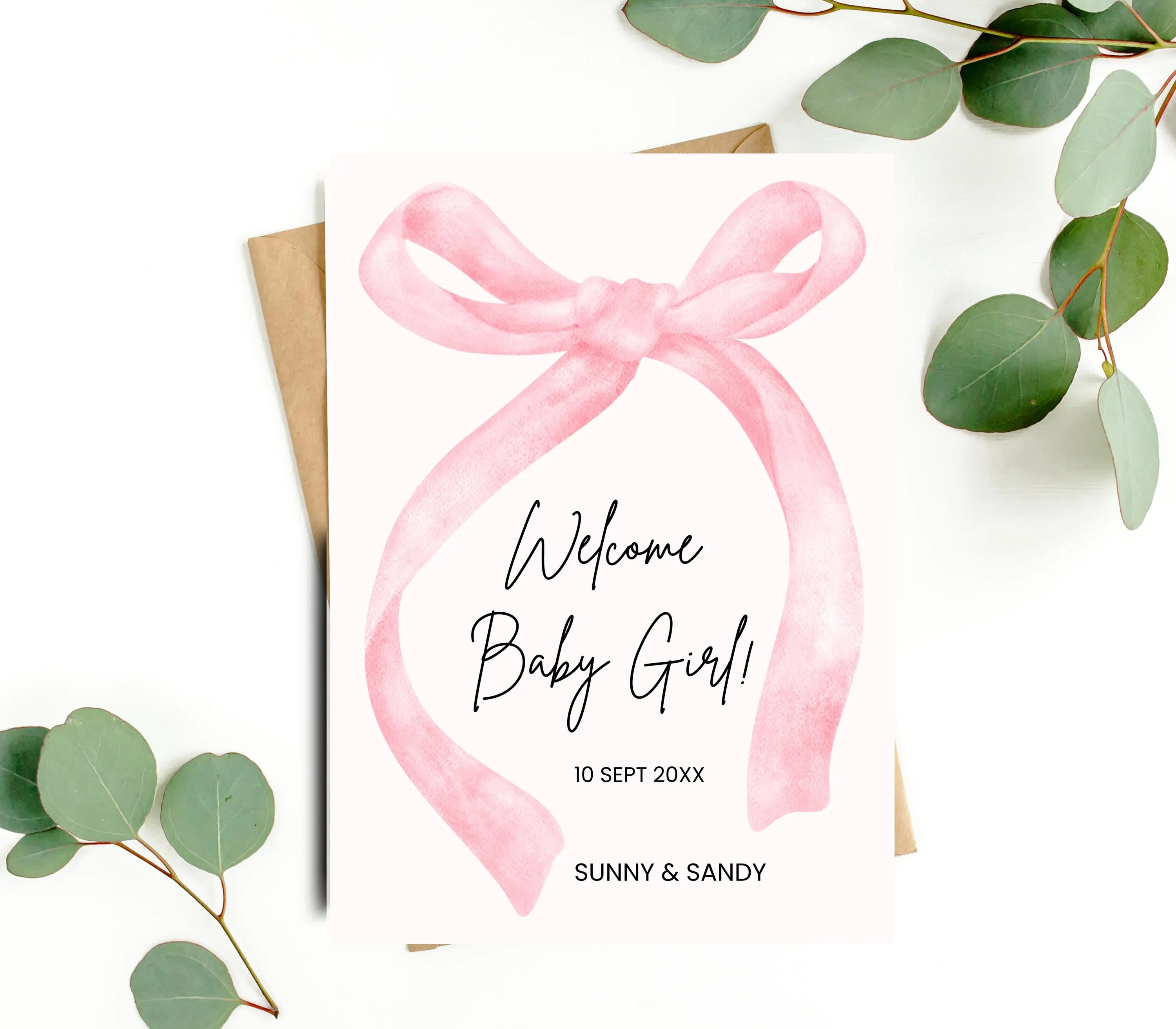
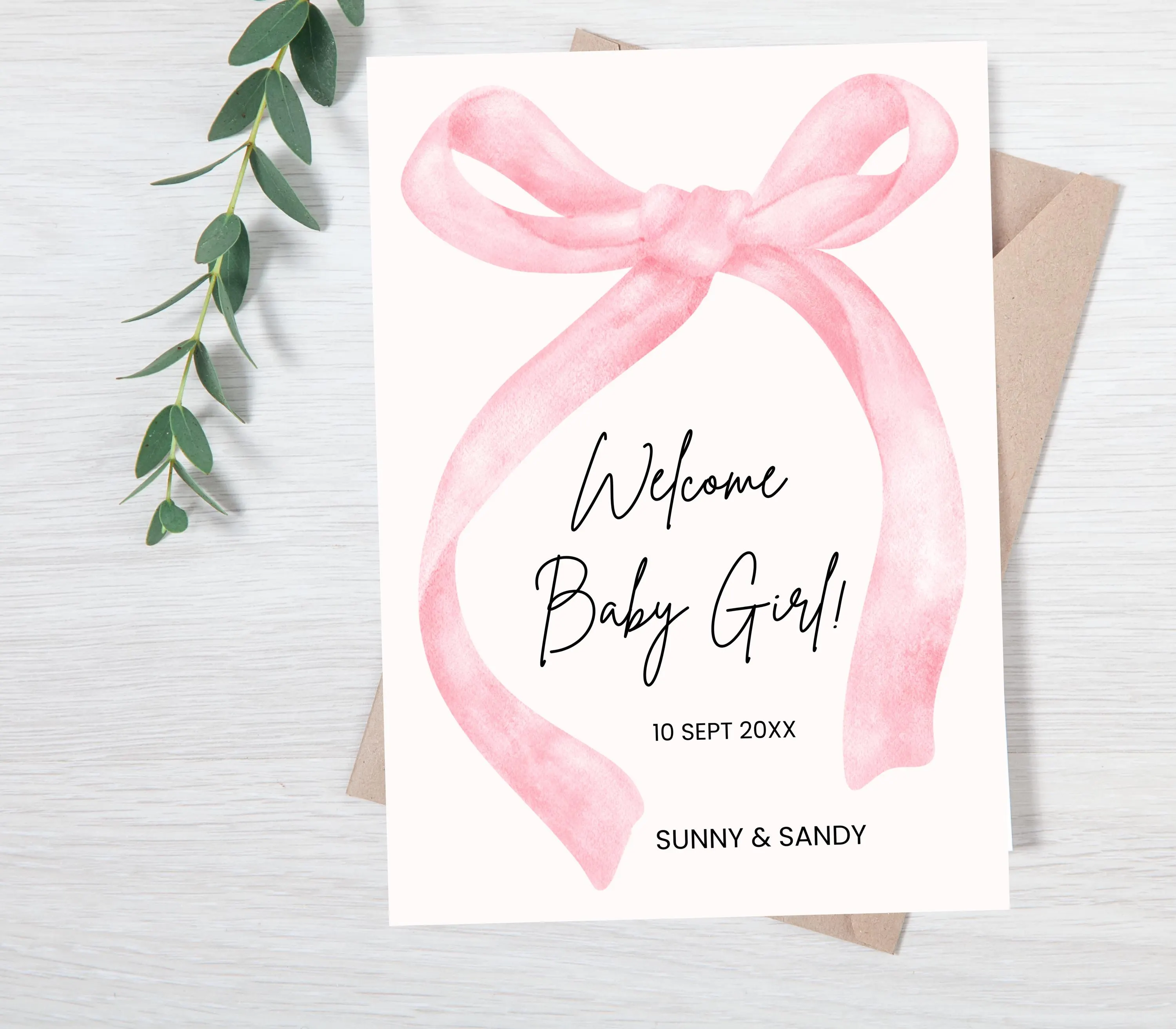
Pink Bow Birth Announcement: Editable Canva Template (Digital Download)
CAD7.99
In stock
Description
Welcome, and warm greetings from PikselToPrints!
Pink Bow Birth Announcement, Baby Announcement Card, Newborn, Welcome, Minimalist, Editable Canva Template, Printable, Instant Download
After your purchase is confirmed, you will receive an email from Etsy with a link that will direct you to your downloadable PDF file. Be sure to check your inbox and spam/junk folders in case it does not come into your inbox after 10 minutes.
What is Editable?
==================
1. Text is 100% editable: move, rotate, add, delete, etc
2. You can edit the font style, the font size, and the font color.
3. You can't change the background color.
4. 100% fully text editable template.
The template will always be there for you in your Canva account, so you can keep changing editing, and printing whenever you want.
I can offer editing if you need to. Please purchase our edit service here https://pikseltoprints.etsy.com/listing/1625011980
What size you will receive :
=========================
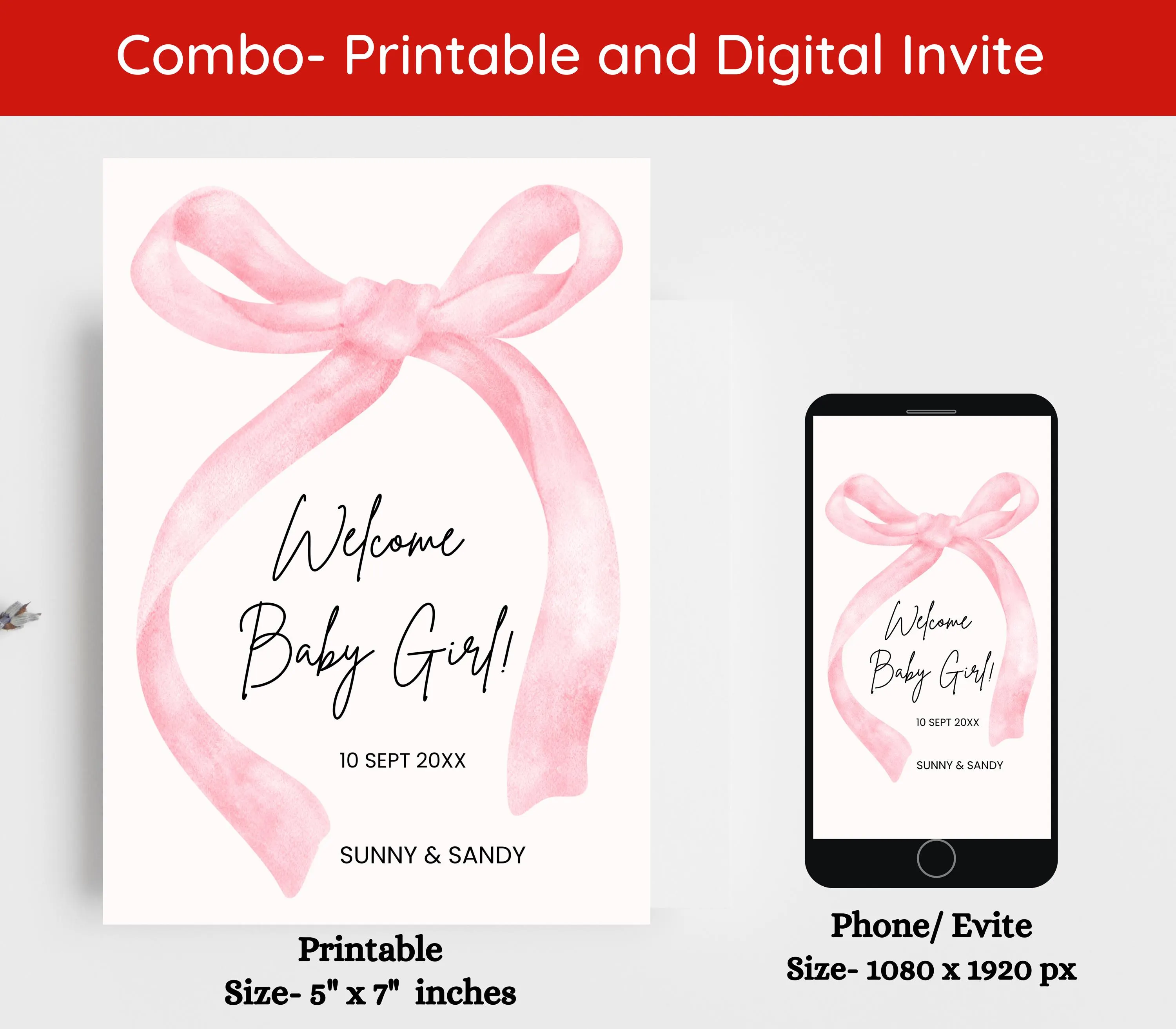
• 5"x7" Card Canva Template
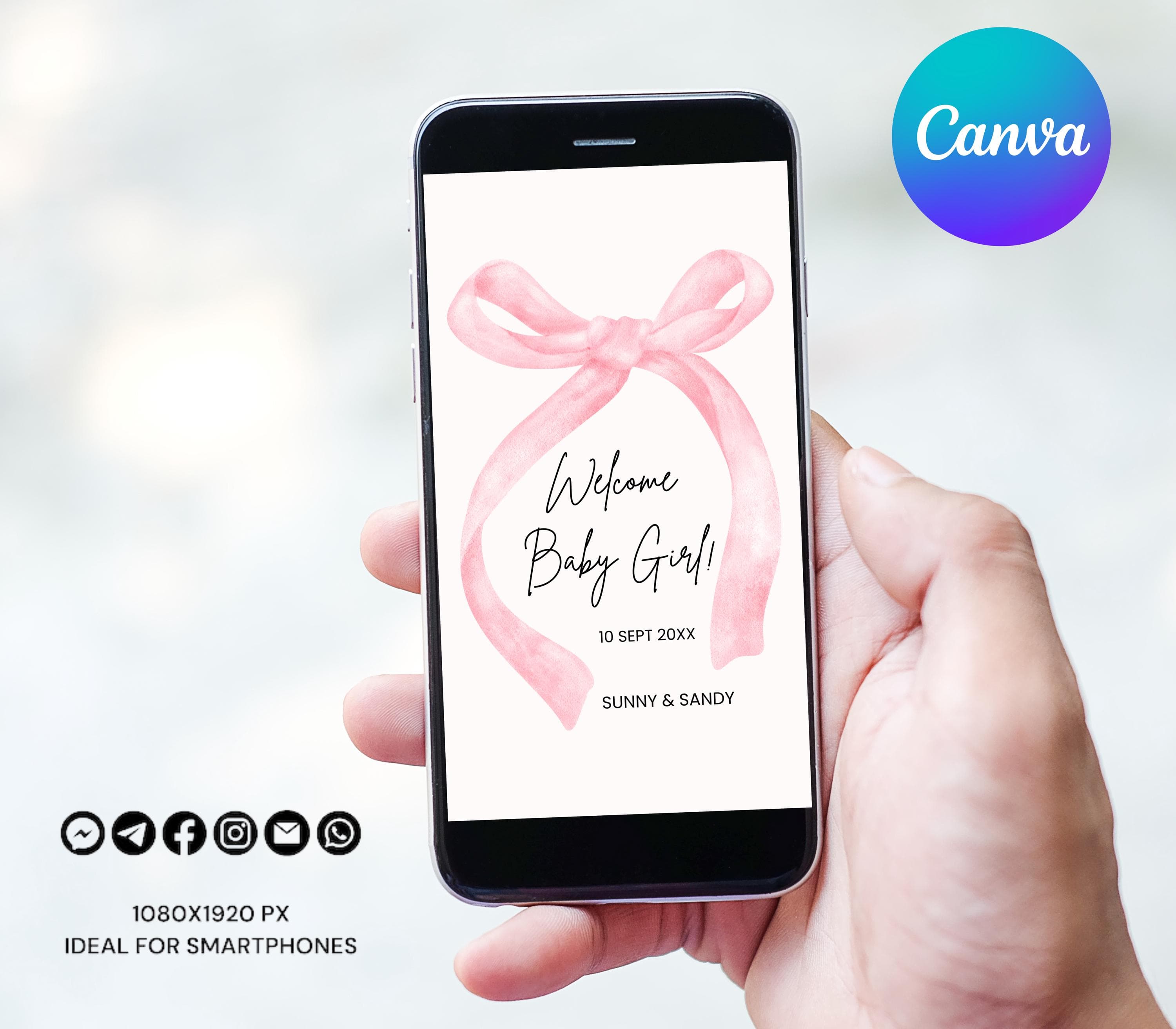
• 1080 x 1920px Smartphone Canva Template
• Instruction Guide - How to edit Template in Canva
How does it Work?
============
Follow these simple and easy steps to get started:
1. Tap Add to Cart.
2. When you've finished adding items to your cart Tap Checkout. Downloads are available once your payment is confirmed.
3. You will receive a PDF File with a link to the Canva website.
4. Log in to Canva with a free account.
5. Start editing your template - You can save your template and continue editing at any time.
6. Once you have finished editing your template, save and download the file.
7. Print from home, from a local print shop, or online print vendor.
What's fantastic about editing yourself on Canva:
===============================================
- No need to download special software, can edit on your browser.
- Easy to use.
- Editable on any device.
- 100% Text Editable.
- Text color, size, and fonts can be easily changed.
- You can save your changes and return them as needed to complete.
How to Download a Digital Item After Purchase?
=====================================
https://www.etsy.com/help/article/3949
See my shop:
============================
https://pikseltoprints.etsy.com
𝗠𝗢𝗥𝗘 𝗤𝗨𝗘𝗦𝗧𝗜𝗢𝗡𝗦
============
If you have any questions, please feel free to contact me any time even after the purchase, I'm here to help.
You may use this file for your PERSONAL USE ONLY. File sharing, distribution, and commercial use of this file are prohibited.
Please read the description carefully, due to the digital download nature no refunds are available after purchase.
Electronic Newborn Announcement with Photo, Girl Birth Announcement Digital, Floral Newborn Baby Announcement Text Editable Ecard Template, Birth Announcement, Photo Baby Announcement Card, Newborn, Welcome
We sincerely Thank you for stopping by and purchasing.
Thanks for choosing PikselToPrints!