Etsy
Realistic Procreate Pencil Brushes, 33 iPad Sketching Brushes, Anime Manga Drawing Brush Pack, Shading Charcoal Graphite, Grease Brushset
MYR48.00
In stock
Description
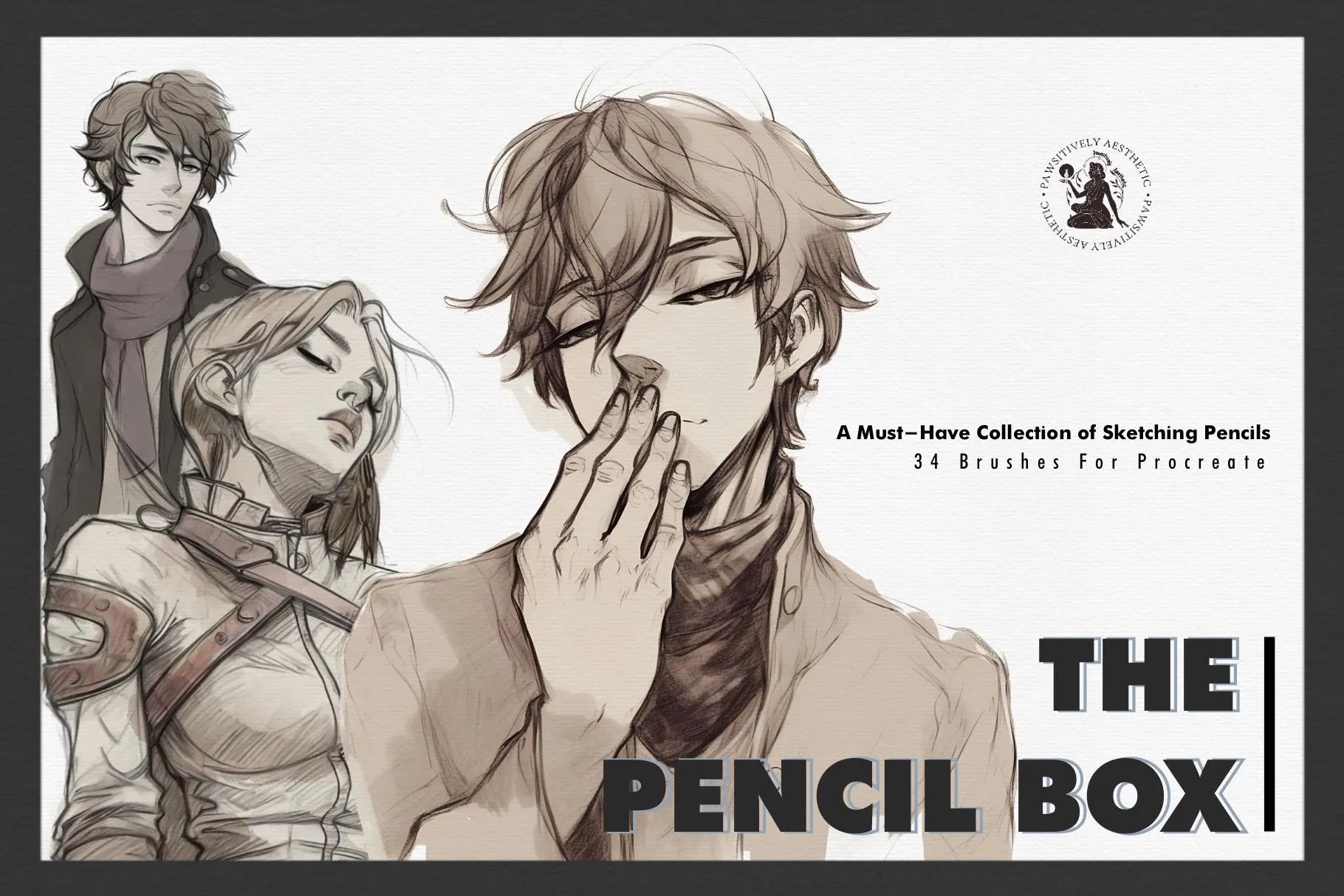
Create stunning pencil sketches, anime art, and manga illustrations in Procreate with this 33-brush pencil pack — realistic graphite, charcoal, and shading brushes built for iPad artists who want their digital work to feel hand-drawn.
Whether you're roughing out character designs, shading portraits, inking comic pages, or sketching anime, this set gives you the organic, pressure-sensitive pencil feel that Procreate's built-in brushes can't match.
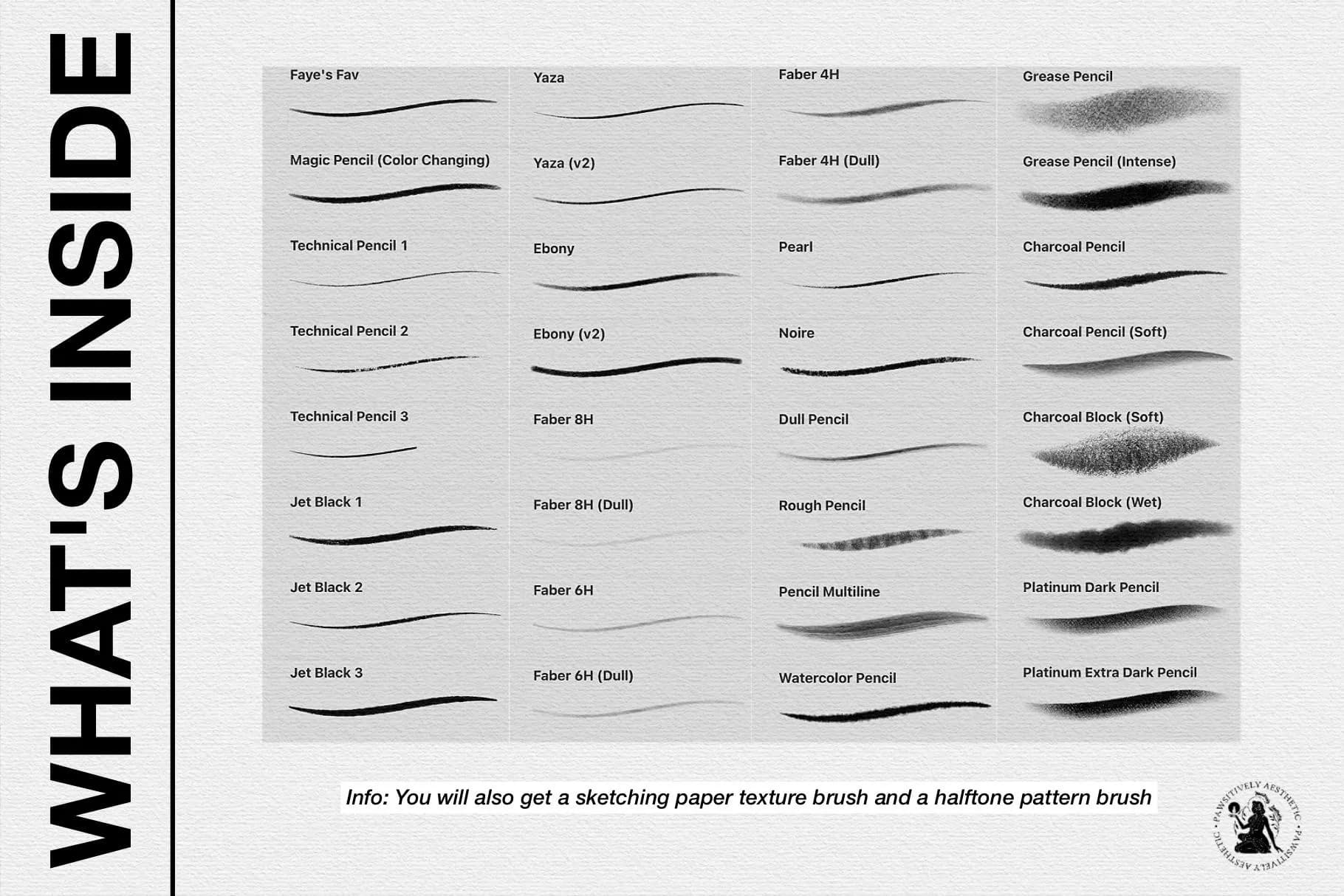
WHAT'S INCLUDED — 33 BRUSHES:
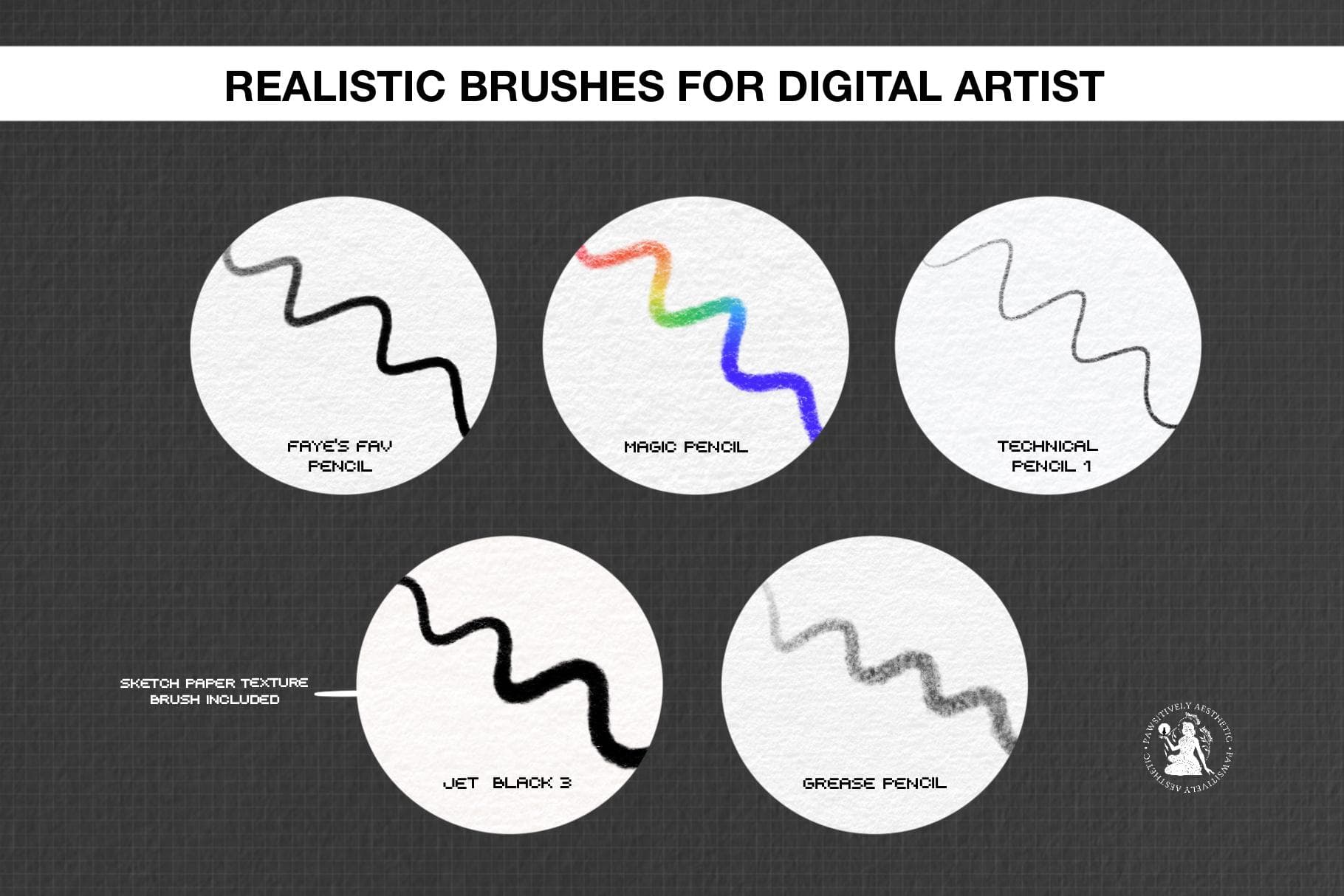
• Graphite pencils (fine to broad, HB to 6B feel)
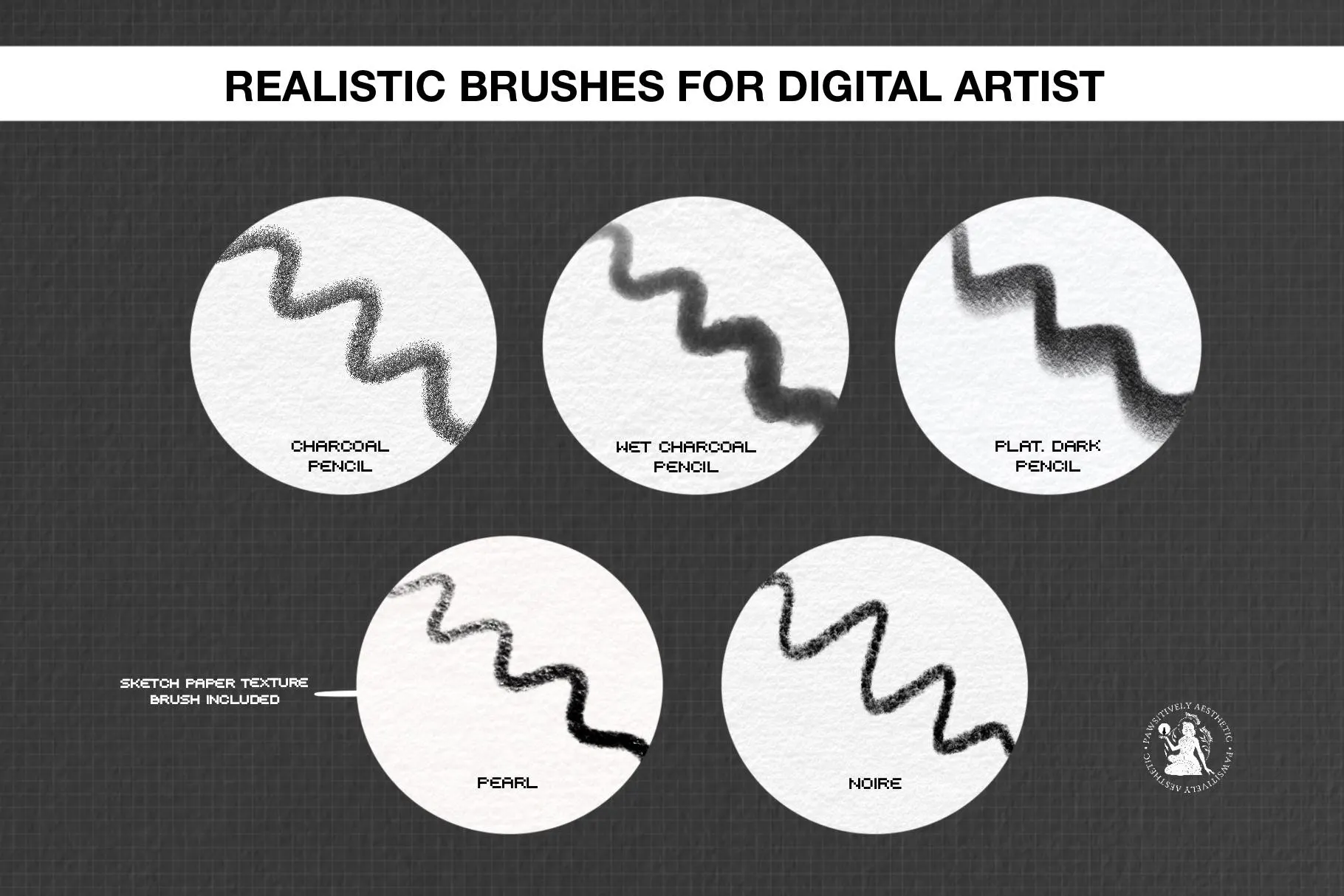
• Charcoal and soft sketch pencils
• Smooth shading and blending brushes
• Anime/manga lineart pencils
• Textured pencils for gritty, traditional effects
• 1 .brushset file (instant download)
• Commercial use license included with purchase
HOW TO DOWNLOAD & INSTALL:
1) Log into Etsy on a web browser (Safari, Chrome)
2) Go to your profile → "Purchases and Reviews"
3) Open the PDF file and click on the cloud download link. The link will take you to the cloud service provider. Once there, on the right side of the screen, toggle on the file and click the 3 little dots and click the download button, or you can also click right-click on the file, and a "download" pop-up will appear
4) Once download, tap the file on your iPad → it installs automatically in Procreate
Please reach out to me if you have any issues, and I'll assist you.
PLEASE NOTE:
• Commercial use included — use these brushes in artwork you sell
• Do NOT copy, share, or resell the brush files themselves
• No refunds on digital downloads — message me with any questions!
► Update Note:
Version 2.0 (9th Feb 23):
• Added 24 new brushes, and adjusted some of the old brushes and renamed them.