Etsy
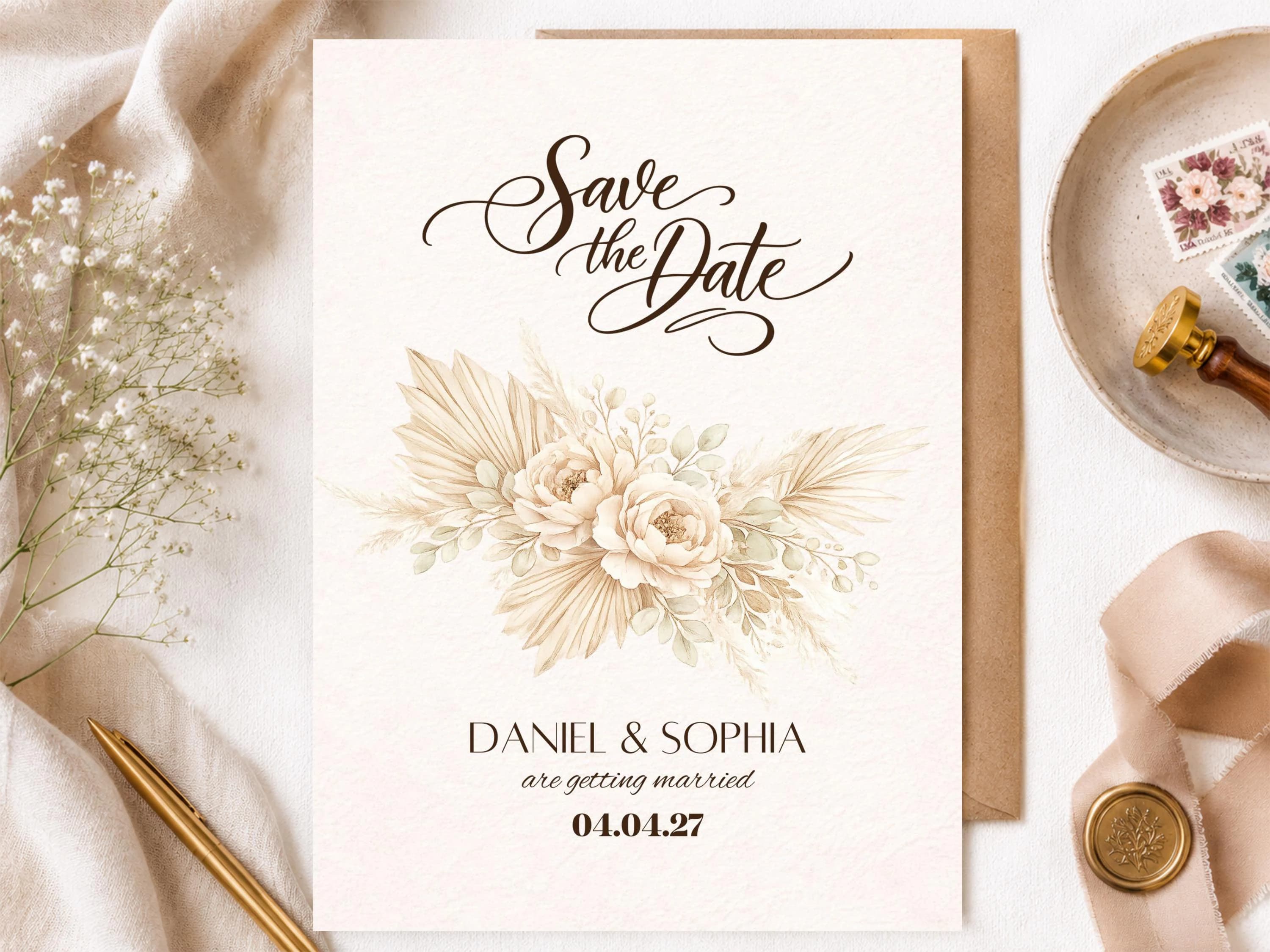
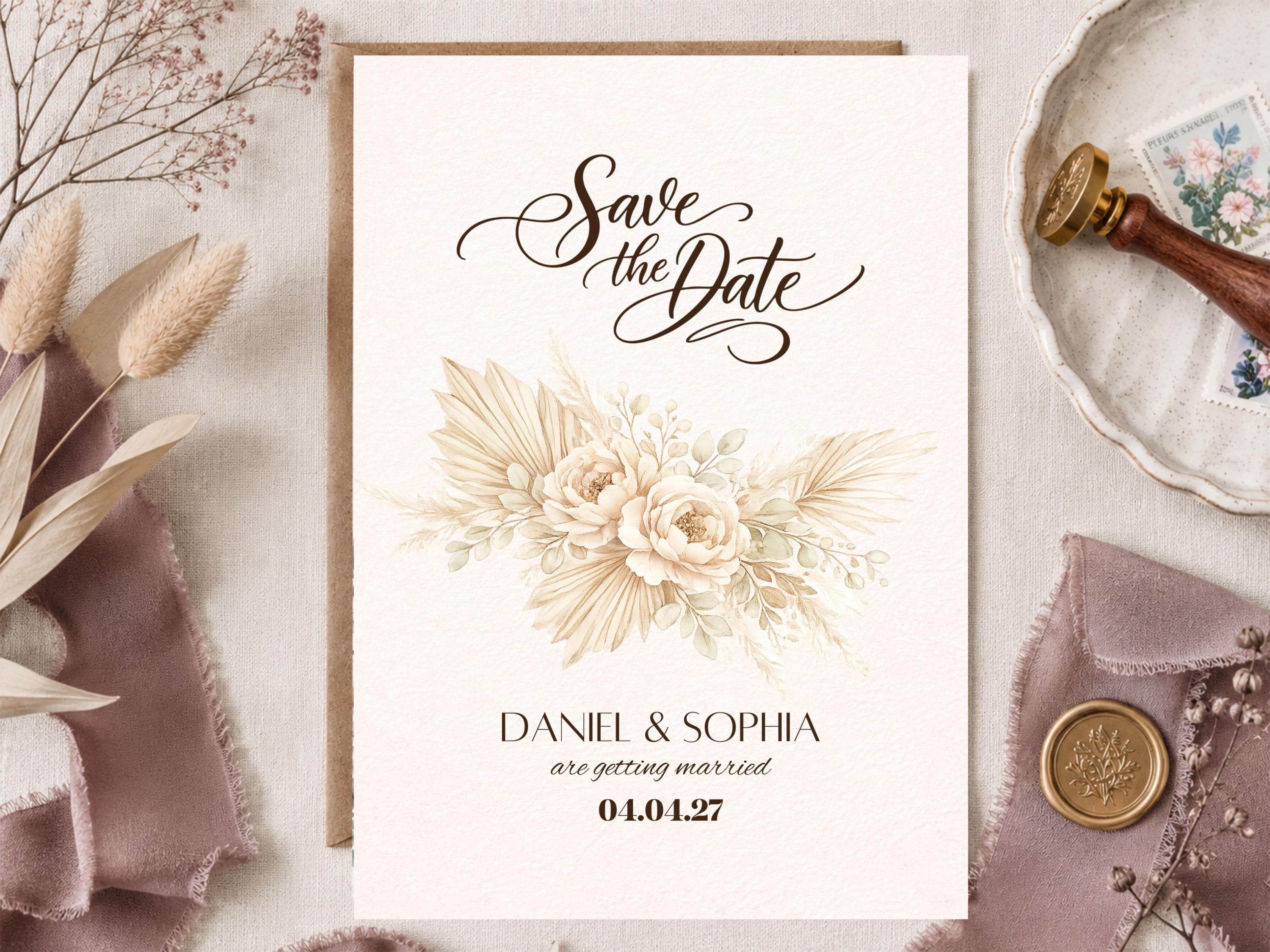
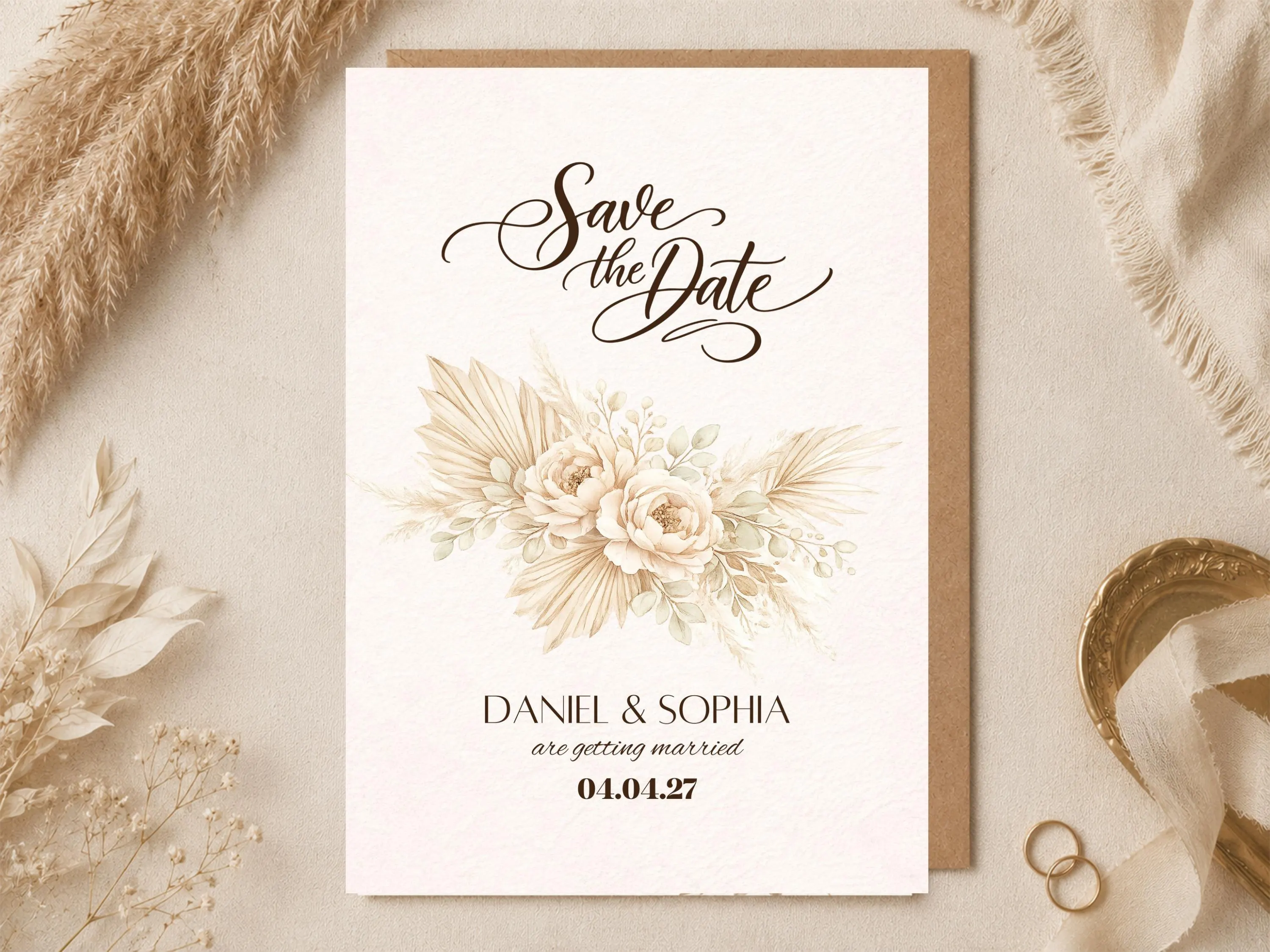
Save the Date Card Canva Template | Neutral Beige Pampas Grass Boho Floral Wedding Announcement
$3.99
Out of stock
Description
Are you looking for a simple and affordable way to announce your wedding date to your guests?
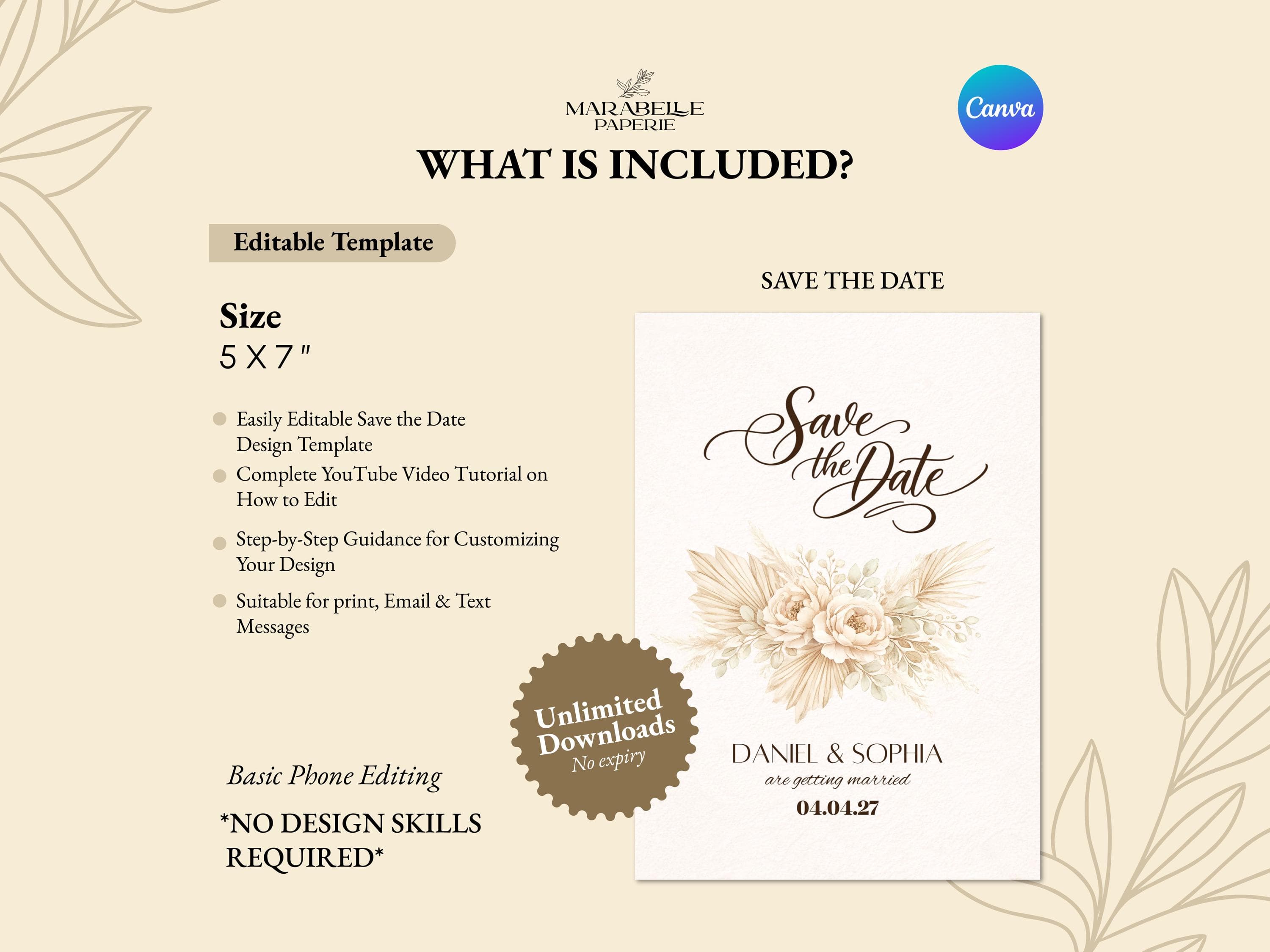
This high-resolution 5 x 7 inch Neutral Pampas Grass Save The Date Canva Template allows you to easily create a personalized wedding announcement without hiring a designer. Perfect for boho weddings, pampas grass themed celebrations, rustic ceremonies, and neutral aesthetic wedding events, this design features soft beige and brown pampas florals that create a warm and elegant first announcement for your wedding.
You can quickly customize the design with your names, wedding date, and event details using CANVA FREE — no Canva Pro subscription required.
Your purchase includes a ZIP folder containing PDF files with the Canva template link and a step-by-step tutorial, making the editing process simple even if you have never used Canva before.
Once edited, you can download the design for professional printing or share it digitally with your guests.
The template is designed in high resolution for sharp, professional-quality printing and clear digital sharing.
📦 WHAT YOU WILL RECEIVE
• 1 Editable Save The Date Canva Template
• Size: 5 x 7 inches
• High-resolution design
• Instant ZIP Download
Inside the ZIP folder you will receive:
• Read Me First PDF (important instructions before editing)
• Canva Template + Tutorial Folder
Inside the Canva Template + Tutorial Folder you will find:
• A PDF containing the Canva template link
• A YouTube tutorial link showing how to edit the template
The tutorial walks you through the editing process so even beginners can customize the template easily.
🌟 MATCHING ITEMS
Complete your wedding stationery with matching designs:
• Invitation Card
https://www.etsy.com/listing/4479807335/boho-pampas-wedding-invitation-template?ref=listings_manager_grid
• Welcome Sign / Reception Board
https://www.etsy.com/listing/4480086712/boho-pampas-grass-wedding-welcome-sign?ref=listings_manager_grid
• Thank You Card
https://www.etsy.com/listing/4480134414/boho-pampas-wedding-thank-you-card-beige?ref=listings_manager_grid
• Wedding Invitation Bundle (Invite + Save the Date)
https://www.etsy.com/listing/4480831774/boho-pampas-wedding-invitation-save-date?ref=listings_manager_grid
• Duo Bundle (Invite + Welcome Sign)
https://www.etsy.com/listing/4483032333/boho-pampas-wedding-invitation-welcome?ref=listings_manager_grid
• Wedding Suite (Invite + Save the Date + Thank You Card + Welcome Sign)
https://www.etsy.com/listing/4487055776/boho-pampas-wedding-invitation-suite?ref=listings_manager_grid
✏️ WHAT CAN BE EDITED
You can edit the text content, including:
• Names
• Wedding date
• Event wording
⚠️ PLEASE NOTE
• Only TEXT is editable
• Background, colors, graphics, and layout cannot be changed
This ensures the design remains clean and professionally formatted.
⚙️ HOW IT WORKS
Purchase this listing.
Download the ZIP file from your Etsy Purchases page.
Extract (unzip) the folder on your device.
Open and read the "Read Me First" PDF before editing.
Open the Canva Template + Tutorial Folder.
Inside that folder, open the PDF containing the Canva template link and YouTube tutorial.
Click the Canva template link.
The template will open in Canva where you can edit the text.
Download your finished Save The Date card.
⬇️ HOW TO DOWNLOAD YOUR DESIGN
After editing your template in Canva, download it using the format that fits your needs.
For Printing
Click Share → Download
Select:
• PDF Print
• Enable Crop Marks & Bleed
• Ensure the design is Flattened
This format is best for professional printing.
You can print:
• At home
• At a local print shop
• Through an online printing service
For Digital Sharing
Download as:
• PNG
Perfect for sharing through:
• WhatsApp
• Email
• Social media
• Wedding websites
💡 HELPFUL TIP
Don’t worry if you accidentally change something while editing.
Each time you click the Canva template link, a fresh copy of the template opens in your Canva account.
This means you can:
• Start over anytime
• Edit again if needed
• Download your design as many times as you like
🖨 PRINTING & SHARING
Once edited, you can:
• Print the Save The Date cards at home
• Print them at a professional print shop
• Use an online printing service
• Share the design digitally with your guests
❗ IMPORTANT INFORMATION
• DIGITAL DOWNLOAD ONLY — no physical item will be shipped
• Works with CANVA FREE
• No Canva Pro subscription required
Please make sure to read the Read Me First PDF before editing to avoid confusion.
📜 TERMS OF USE
This template is for PERSONAL USE ONLY.
🚫 Reselling
🚫 Redistributing
🚫 Sharing the template
🚫 Commercial use
is strictly prohibited.
If you have any questions before or after purchasing, feel free to reach out. I’m happy to help make your wedding stationery process easy and stress-free.