Etsy
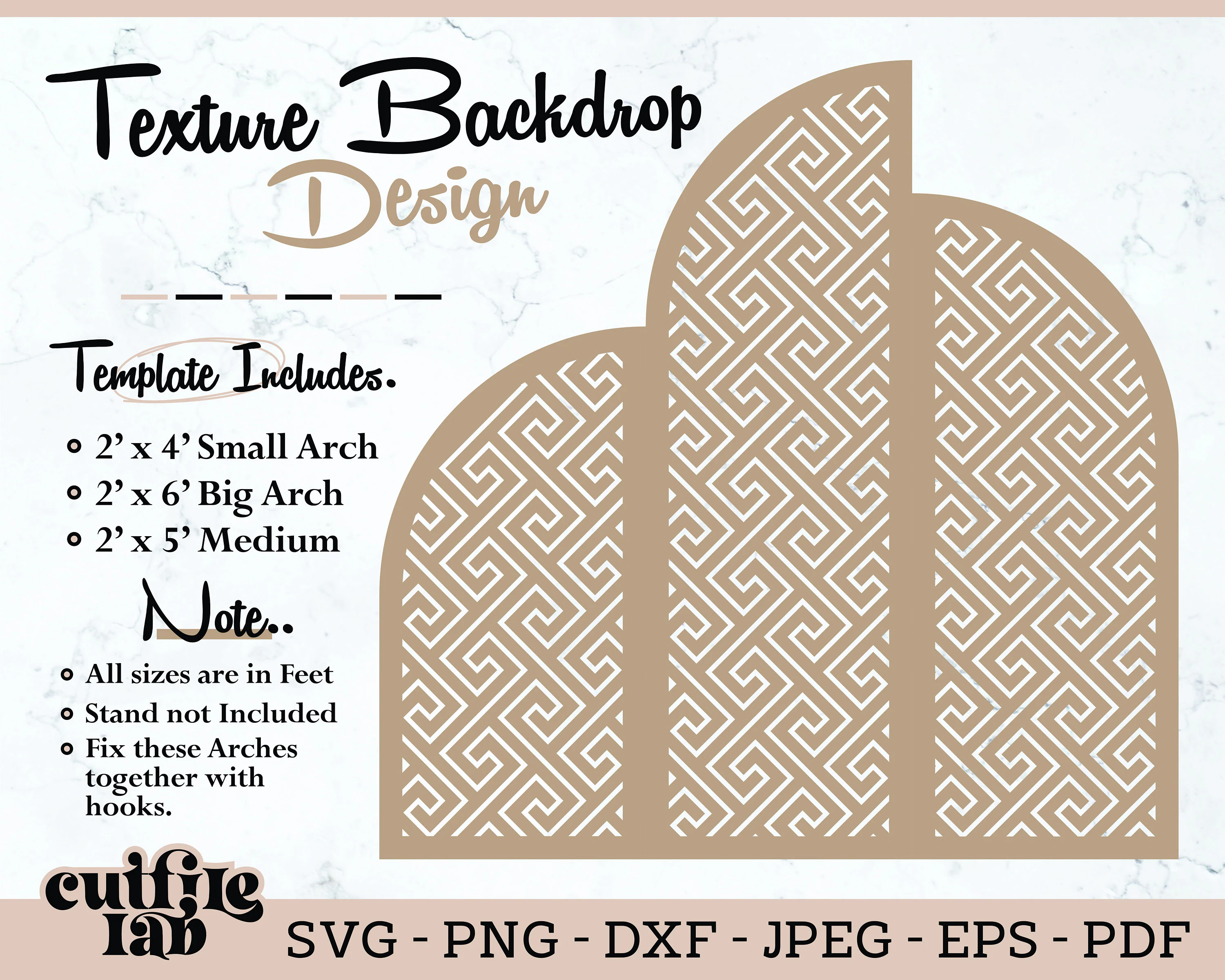
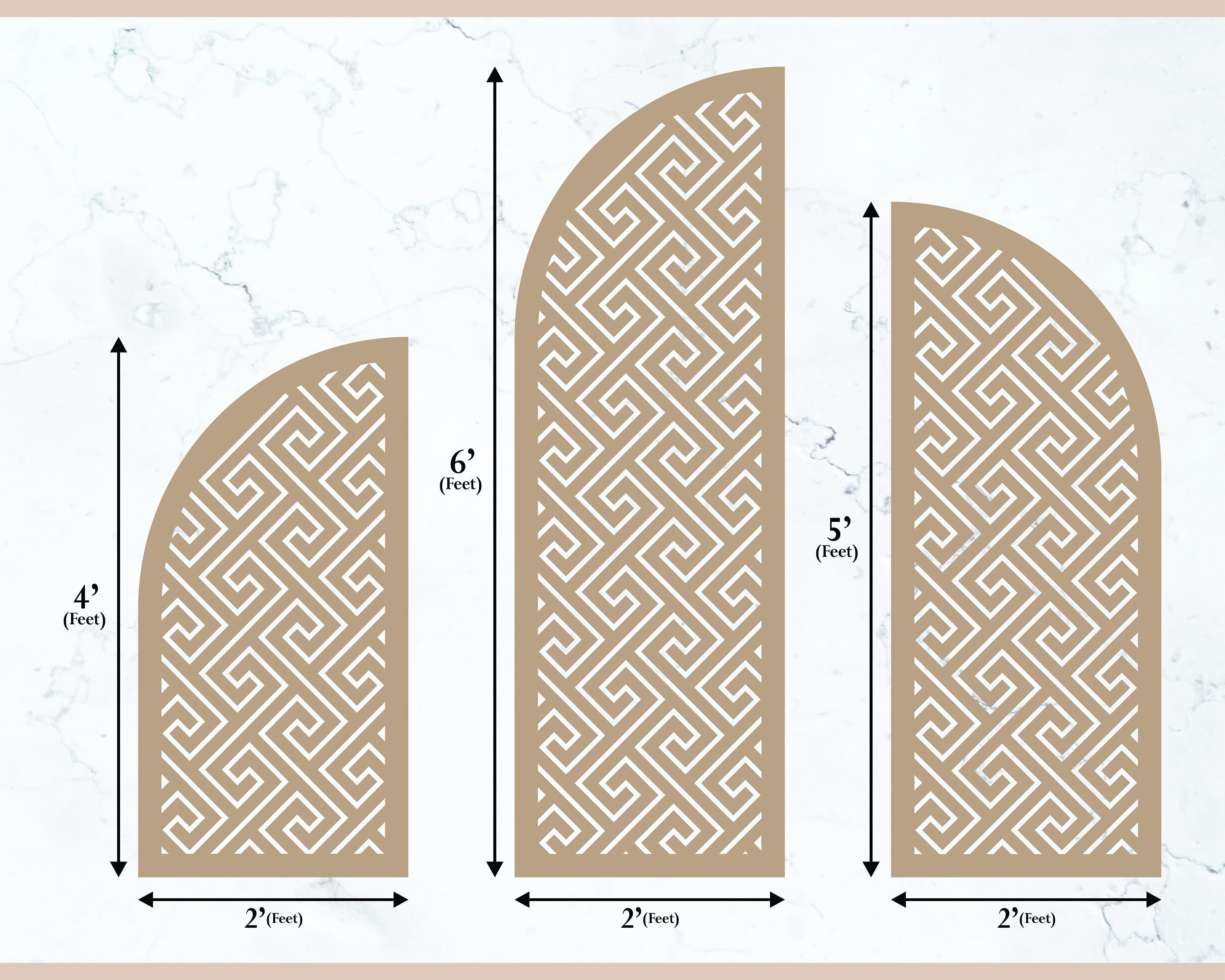
Texture Backdrop Svg, Full Arches Sign SVG, Wedding Template, Laser Cut File, Vector Digital Design, Svg, Eps, Dxf, Png,Instant Download
$3.99
In stock
Description
🎯 PREMIUM SVG CUT FILES • LASER CUTTING DESIGNS • INSTANT DOWNLOAD FOR CRICUT & EVENTS.
Trusted by many happy customers with positive feedback, we provide reliable files for your projects.
💰 SHOP SMARTLY USING SPECIAL OFFERS:
1️⃣ BEST VALUE! --- Buy 5 Designs and SAVE 50% OFF use CODE "CUTSALE50".
2️⃣ SAVE MORE! --- Buy 4 Designs and SAVE 40% OFF use CODE "CUTSALE40".
3️⃣ SMART BUY! --- Buy 3 Designs and SAVE 30% OFF use CODE "CUTSALE30".
🛠️ Custom Design Services | Your Idea, Our Vector Expertise.
We specialize in high-quality, custom work to meet your exact project needs.
1️⃣ Custom Event Backdrops: Large-format vector designs for weddings and parties.
2️⃣ Custom SVG File Creation: One-of-a-kind designs for Cricut, Silhouette, and more.
3️⃣ Custom Stencil Designing: Precise vectors for stencils, vinyl, and specialized cutting.
4️⃣ Custom Vector Tracing: Convert low-res images or sketches into clean, cut-ready files.
Message us if you need our help for your custom project?
🌟 Why Buy This Template?
- Easy to Resize: Change the size easily to fit your project.
- Works with Many Materials: Great for wood, acrylic, paper, and more.
- Fits All Cutting Machines: Use with your Laser Cutter Glowforge, Cutting Plotter Cricut, Silhouette.
- Clean Results: Vector file means your cuts will be clean and professional every time.
📦 What's Inside Your Download?
You will get one ZIP file with the following 7 high-quality formats:
- SVG (All Cutting Machines like Cricut)
- DXF (Silhouette Basic Edition users)
- PNG (Transparent Background Image)
- JPEG (High-Res Image)
- PDF (Printable Document)
- AI (Adobe Illustrator)
- EPS (Vector Software)
📌 Usage Policy:
✅ YES: You can use this file to create and sell physical products (Commercial Use).
❌ NO: You cannot resell, share, or redistribute this design in any digital format.
🚀 How to Download:
The file is ready immediately after your payment is confirmed.
1. Go to: "Your Account" > "Purchases and Reviews."
2. Click: "Download Files."
❓ Need Help? Just send us a message! We are happy to help you.
💖 Thank you for shopping with CutFileLab!